Extension
Amazon seller research tools
Financial model
Essential for pricing and profit forecasting
Product tracker
Market research and performance tracking
Featured product
Organizes and simplifies product analysis
Calculator
Calculates costs, profits, and break-even points
AI assistant
Automated calculations, insights, and tool execution.
Tools
ExtensionStop Guessing. Find Profitable Amazon Products Faster.
Learn more previewBilled Yearly
Available in PRO
Save $276
$66.00/mo
×12 months | $792.00
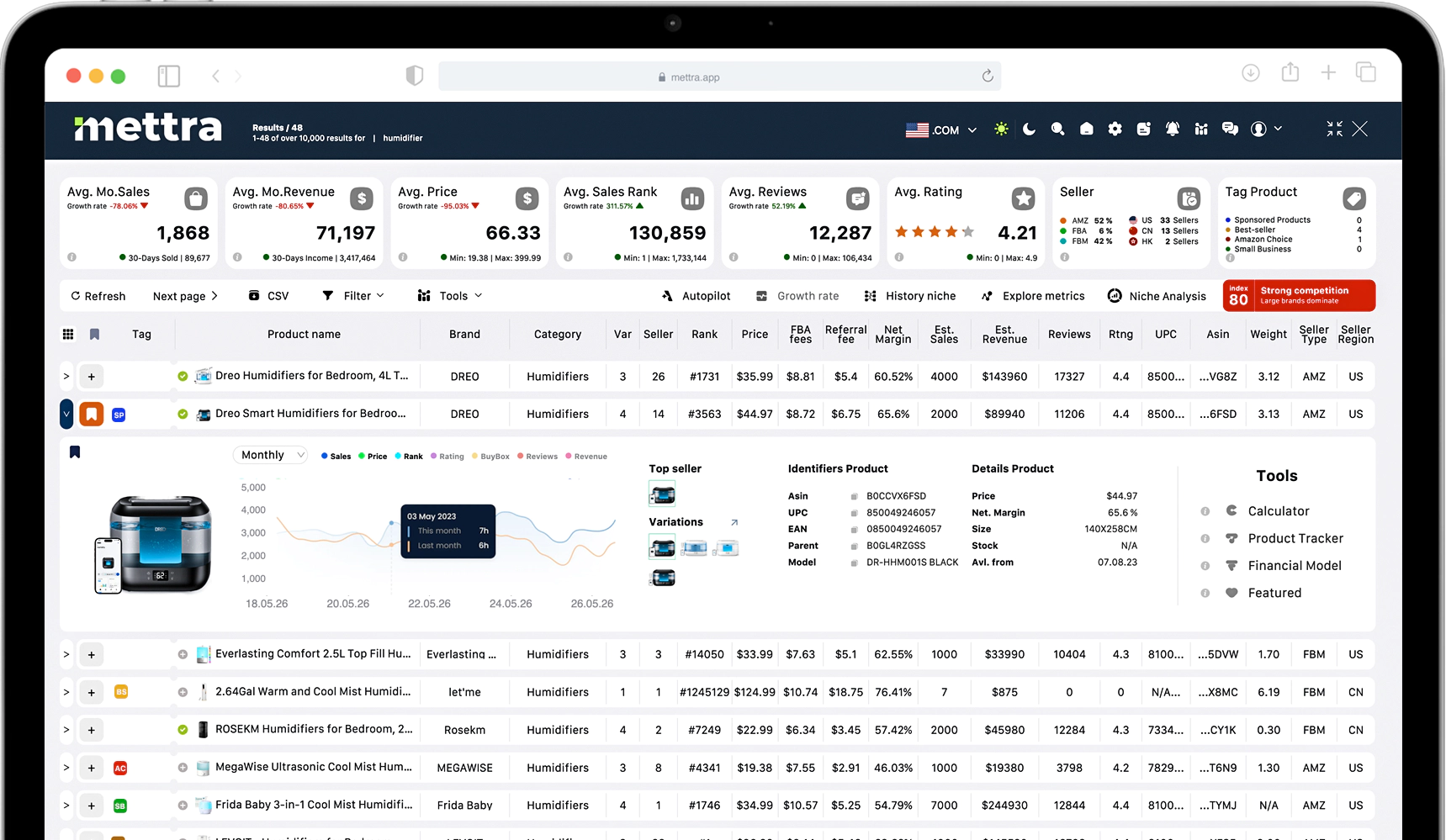

Chrome Extension
Find profitable products faster with a Chrome extension designed for data-driven decisions. Filter Amazon by sales, price, reviews, and margins, validate niches with historical trends, and see real-time sales estimates, competition, and FBA costs directly on product pages
Learn moreTools
Financial modelKnow Your Profit Before You Invest.
Learn more previewBilled Yearly
Available in PRO
Save $276
$66.00/mo
×12 months | $792.00
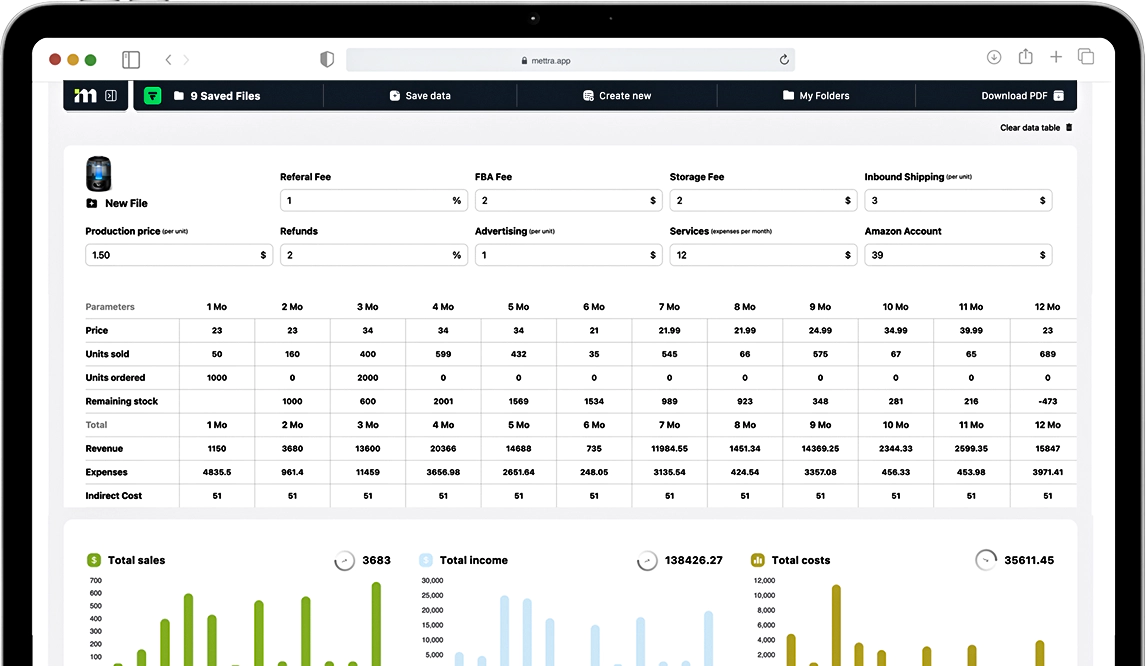

Web Version
Calculate product profitability with a structured financial model built for precise unit economics. Input your costs -product, logistics, FBA fees, advertising, taxes- and instantly see margins, net profit, ROI, and payback period. Model different scenarios by adjusting price, ad spend, or sales volume to understand how changes impact your bottom line. All calculations are saved in one place, giving you a clear financial projection before you invest.
Learn moreTools
Product trackerStay Ahead of Competitors. Track Market Changes in Real Time.
Learn more previewBilled Yearly
Available in PRO
Save $276
$66.00/mo
×12 months | $792.00
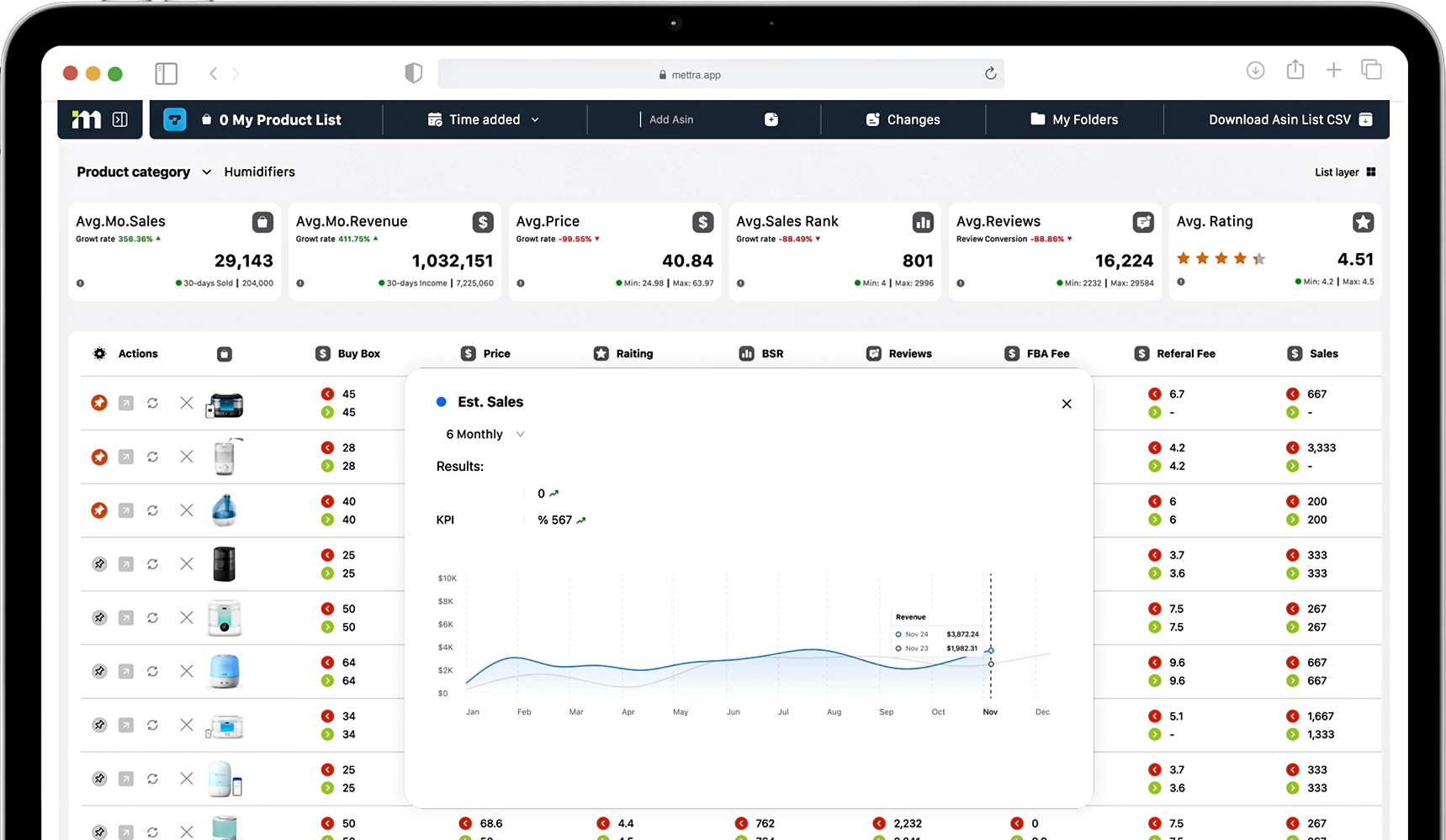
Web Version
Track competitors and market changes in real time with a product tracking system built for ongoing control. Monitor sales volume, revenue, pricing, inventory levels, review growth, and ranking positions across selected products in your niche. Receive updates on key changes, spot demand shifts early, and identify competitor strategy adjustments before they impact your sales. All tracked data is organized in one place, helping you react faster, protect margins, and make informed restocking, pricing, and expansion decisions.
Learn moreTools
Featured productStop Losing Product Ideas in Spreadsheets.
Learn more previewBilled Yearly
Available in PRO
Save $276
$66.00/mo
×12 months | $792.00
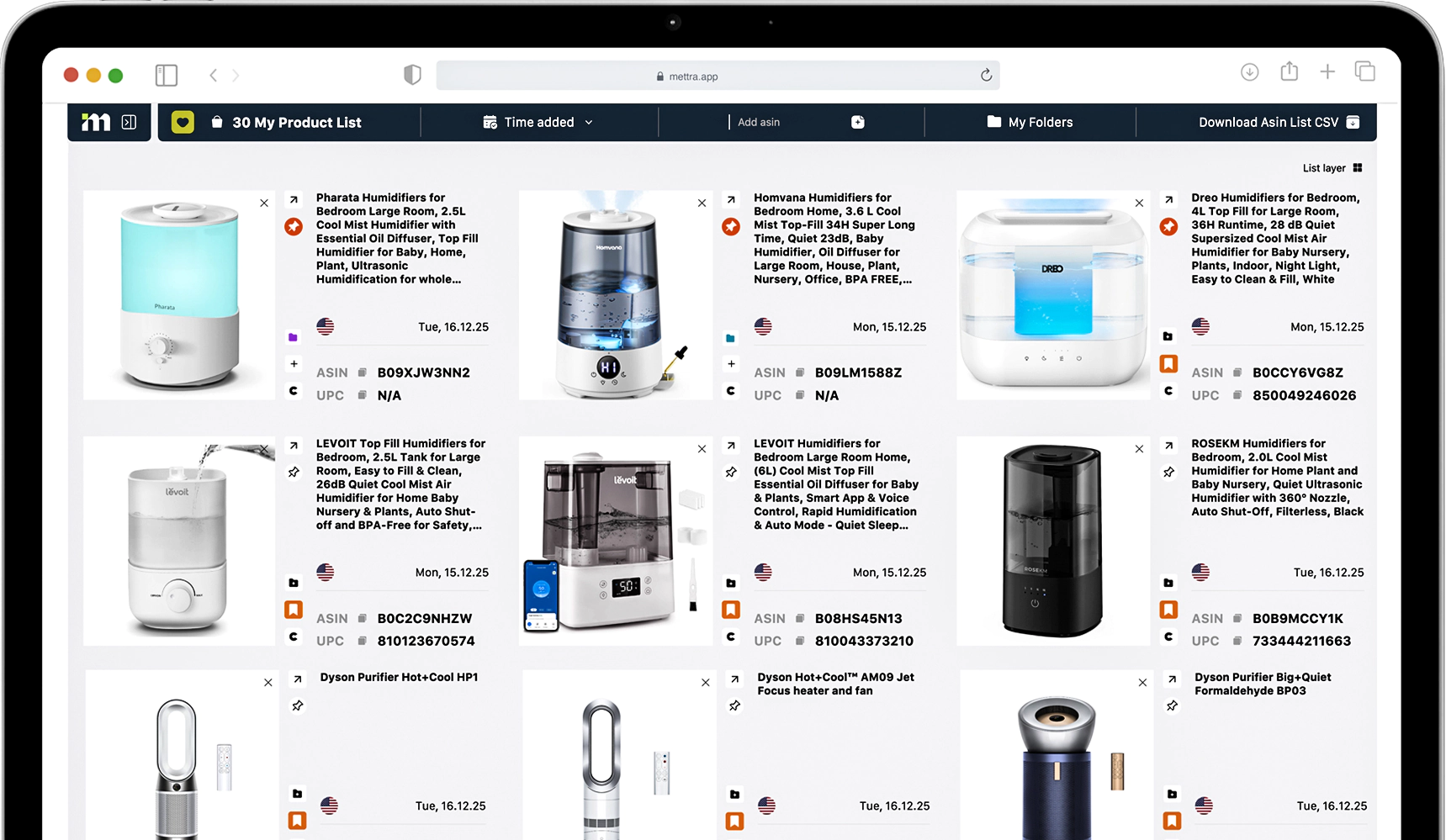
Web Version
A centralized Favorites workspace to save and organize products for deeper analysis. Add items directly from Amazon, group them into folders, compare key metrics side by side, and move selected products into the tracker or financial tools in one click. Keep all priority SKUs structured in one place without scattered spreadsheets, so you can analyze, plan, and make decisions faster.
Learn moreTools
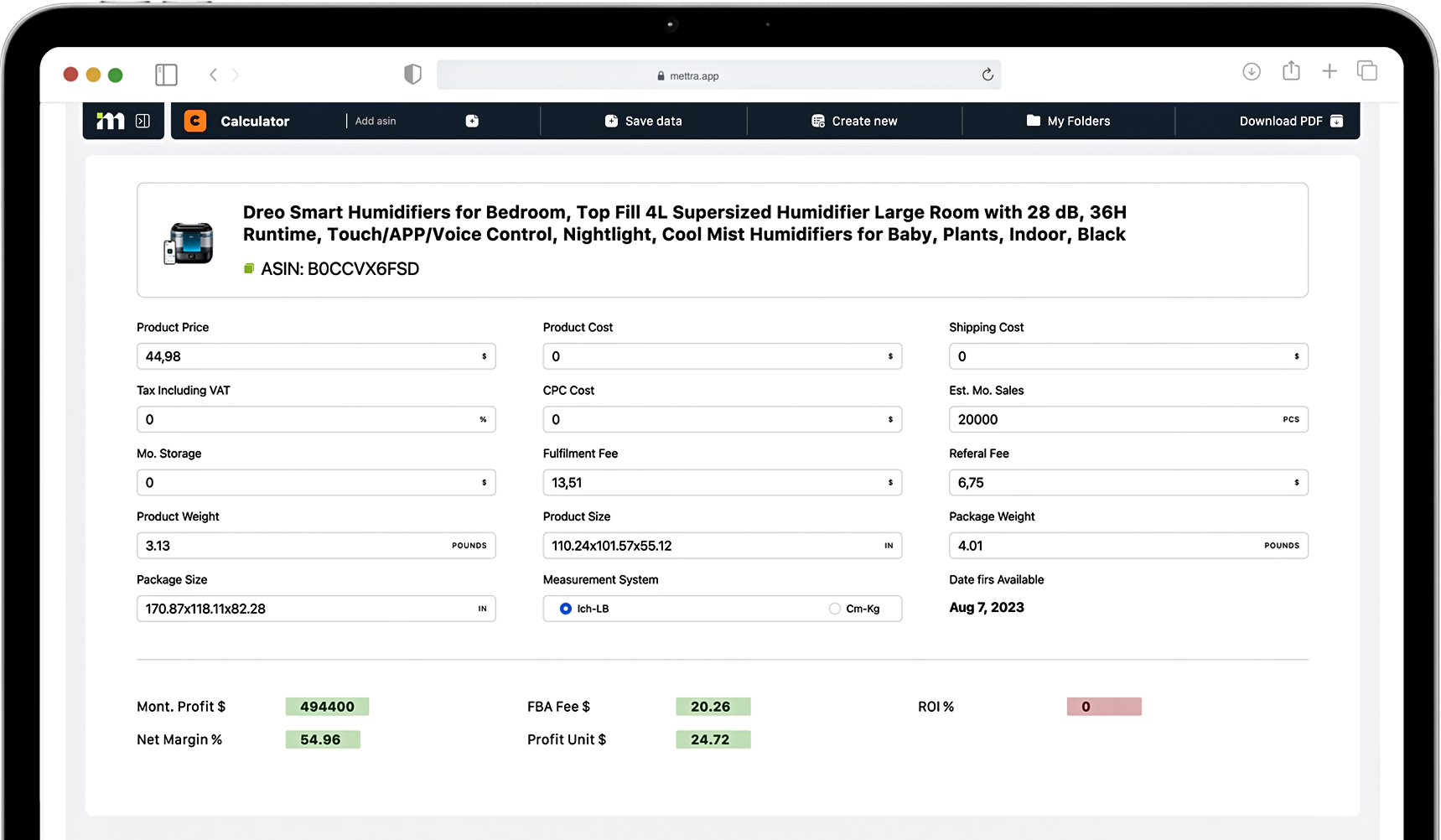
CalculatorSee Real Product Profit in Seconds.
Learn more previewBilled Yearly
Available in PRO
Save $276
$66.00/mo
×12 months | $792.00
Web Version
Chrome Extension
A quick profit calculator that shows the real numbers behind any product in seconds. Enter (or pull) price, FBA fees, shipping, product cost, and ads to instantly see net profit, margin, ROI, and break-even price. Adjust inputs to test scenarios and understand how pricing or ad spend will impact profitability before you buy inventory.
Learn moreTools
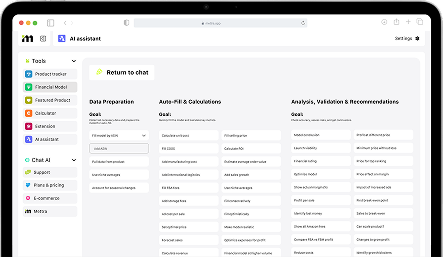
AI assistantYour AI Analyst for Smarter Amazon Decisions.
Learn more previewBilled Yearly
Available in PRO
Save $276
$66.00/mo
×12 months | $792.00
Web Version
Chrome Extension
Use an AI Assistant built for e-commerce and Amazon sellers to analyze products, niches, competitors, margins, sales trends, listing performance, and financial scenarios. Ask questions, run calculations, compare opportunities, review saved products, identify underperforming listings, evaluate product-level profitability, and get decision-ready recommendations directly inside your workflow. Mettra helps sellers understand which listings may require optimization, but does not directly edit or update Amazon product listings.
Learn moreStarting is faster
than you think