Explore New Possibilities - Free Trial Inside try it free
Starting is faster
than you think


A progressive web application (PWA) is a web site that can be downloaded to your device and used like an app.
An installed PWA can still be used without an internet connection.
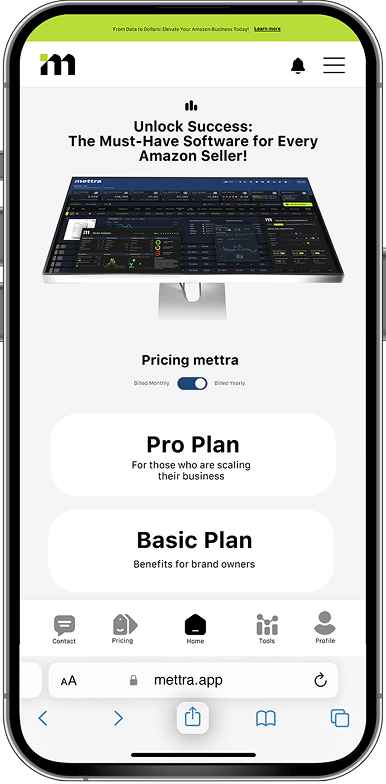
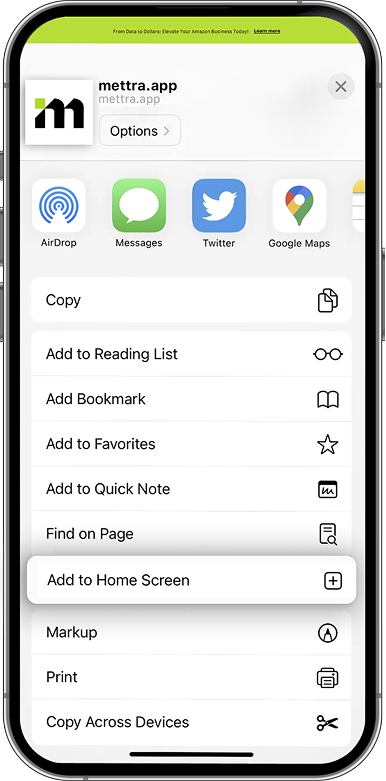
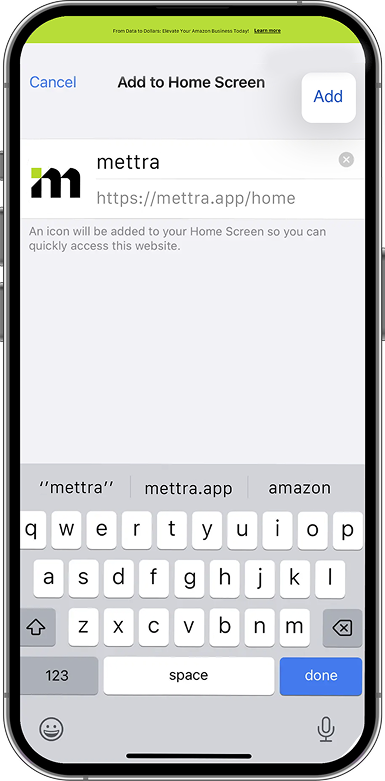
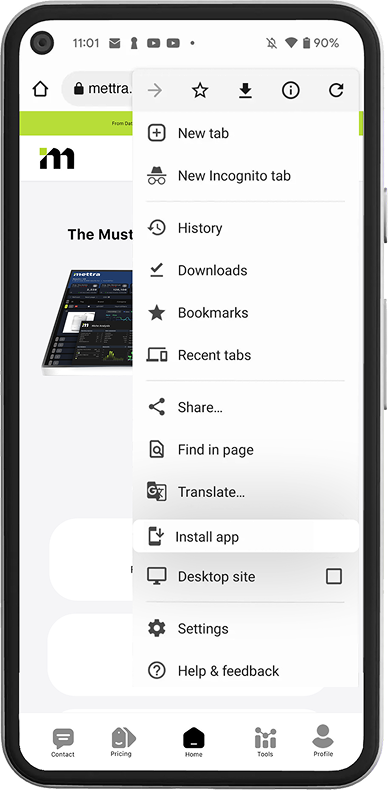
Installing a Progressive Web Application (PWA) on Android is relatively easy with the Chrome browser. You can also install a PWA on Android using Firefox, Opera, and other browsers that support PWAs.


Installing a PWA on a Windows PC or Mac is straightforward, especially with Google Chrome or Microsoft Edge, which currently have the best support for PWAs.
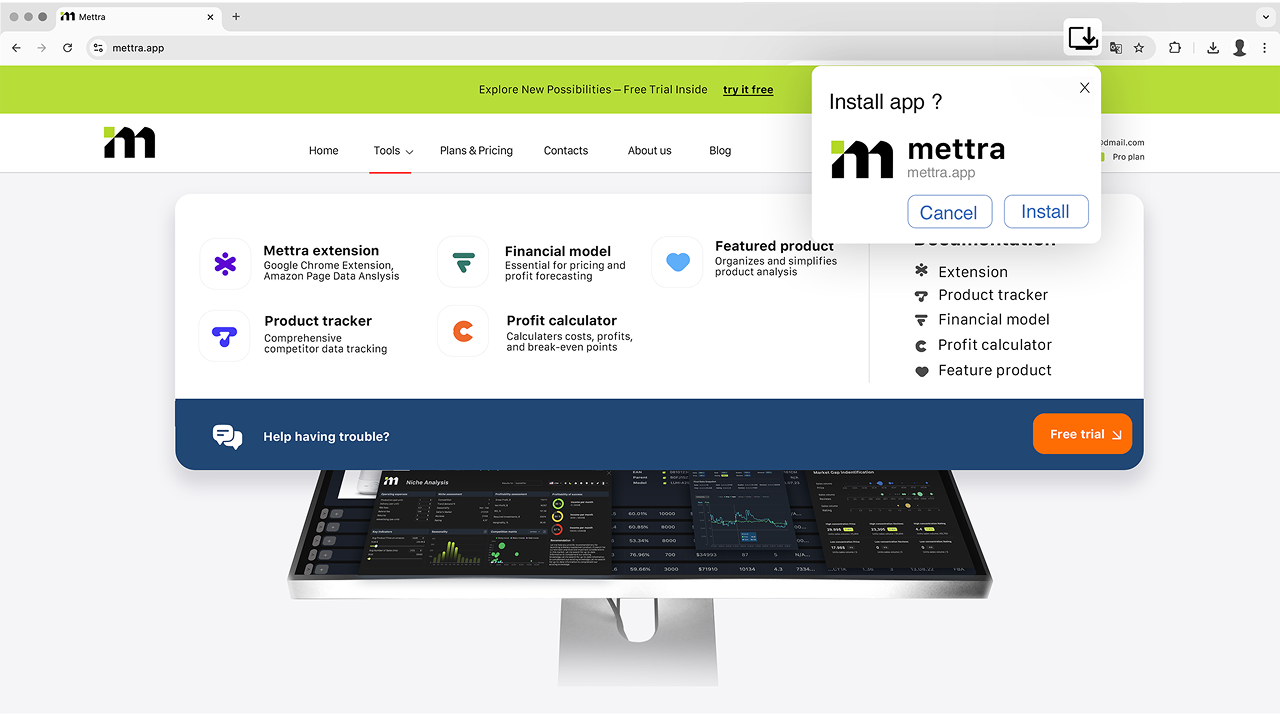
Open the Google Chrome or Microsoft Edge browser on your PC or Mac and navigate to the website you want to add as a PWA.
If the site is a PWA, you will see an icon on the right side of the URL bar. Click this icon.
After clicking the icon, click the "Install" button that appears.
Alternatively, you can install the PWA from the "three-dot" menu in the top right corner of the browser.