


1. Before you begin: What is Seller Central?
Amazon Seller Central is the workspace third-party sellers use to create listings, manage inventory, fulfill orders, receive payments, and review performance on Amazon. You can apply to sell as an individual or as a registered business. An LLC is not required solely to open an account: Amazon supports individuals without an incorporated business.
Creating a seller account is only the beginning. Your launch will also depend on product restrictions, fulfillment choices, unit economics, and whether the category has room for another seller. This guide focuses on the US Amazon.com marketplace.
How the registration process works
Register & verify
Provide your details, payment information, and supporting documents.
Configure & launch
Set up listings, fulfillment, pricing, and seller operations.
2. Choose the right Amazon selling plan
Amazon offers two standard selling plans. Both have category-dependent referral fees, and optional services such as FBA and Amazon Ads cost extra. You can switch plans after registering.
Individual
Professional
At 41 units per month, the Individual fee reaches $40.59, higher than the Professional plan's $39.99 flat monthly fee. But even with fewer sales, Professional may be worthwhile if you need its tools.
Official fee schedule: Amazon Pricing →
3. What documents do you need?
Prepare everything before registering. Amazon may require a government-issued ID, bank information, payment card, tax information, and proof of residential address. Registered businesses may need their company details and documentation. Exact requests depend on the applicant.
4. How to create your Amazon Seller Central account
Amazon describes five registration stages after you set up your account email and password. The simplified interface panels below are illustrative walkthroughs, not live screenshots. The official Amazon illustrated guide contains Amazon's own latest registration screens.
Start at the official seller registration page
Open sell.amazon.com and click Sign up. Create your account using your name, email address, and password, then complete the requested contact verification. Use a dedicated business email unless you're linking existing Amazon services that require the same credentials.
Enter your business information
Provide your business location, legal structure, registered name (if applicable), registration number, address, and phone number. If you don't operate through an incorporated business, Amazon provides the option “None, I am an individual.”
Provide your personal seller details
Amazon needs to identify the primary account contact. Expect questions about your legal name, citizenship, country of birth, date of birth, residential address, and phone number. For businesses, Amazon also identifies beneficial owners and legal representatives.
Connect your payout bank account and billing card
Your payout bank account is where Amazon sends eligible sales proceeds. Your billing card covers applicable fees and other charges. Amazon says the bank account must be held in the seller's name or business name. A US bank account is not always required; supported overseas accounts can receive eligible disbursements.
Choose your store name and describe your products
Enter your public seller display name and answer questions about product codes, brands, manufacturer status, and relevant certifications. Store names must be unique and don't have to match your legal business name. Product identifiers such as UPC, EAN, and other GTINs are commonly used when creating listings.
Complete identity verification
Upload the requested ID and address documentation. Depending on your verification path, Amazon may ask you to take a photo of your face and ID or attend a video call. Ensure all document edges are visible, text is legible, and data match your registration.
5. FBA vs. FBM: choose how orders will be delivered
Once your account is ready, decide how to fulfill orders. That choice affects handling time, control over inventory, expenses, and customer experience.
FBA · Fulfillment by Amazon
You ship inventory to Amazon; Amazon handles storage, order fulfillment, and associated customer-service operations for FBA orders.
FBM · Fulfilled by Merchant
You handle fulfillment yourself or with a third-party logistics partner, with more direct control over storage and shipping.
| Factor | FBA | FBM |
|---|---|---|
| Inventory storage | Amazon | You or your provider |
| Order fulfillment | Amazon | You or your provider |
| Storage/handling costs | Amazon fee structure | Your own expenses |
| Prime eligibility | Qualifying FBA listings | Requires separate eligibility |
| Best fit | Appropriate inventory and margins | Specialized or flexible logistics |
Neither model is automatically more profitable. Compare the full landed cost and operational requirements of the specific product.
6. How much money does it take to start selling?
Opening the account does not require a large upfront investment by itself, but launching a product often does. A new seller may need inventory, freight, creative assets, inspections, advertising, and operating reserves. The mix differs dramatically by business model.
Illustrative $5,000 private-label startup budget
A reseller starting with small quantities might spend considerably less on initial inventory. A private-label brand with minimum order quantities and international freight may need more. Avoid putting all available cash into the first manufacturing run: inventory delays and unexpected fees can leave you without operating capital.
7. Calculate the profit before you buy inventory
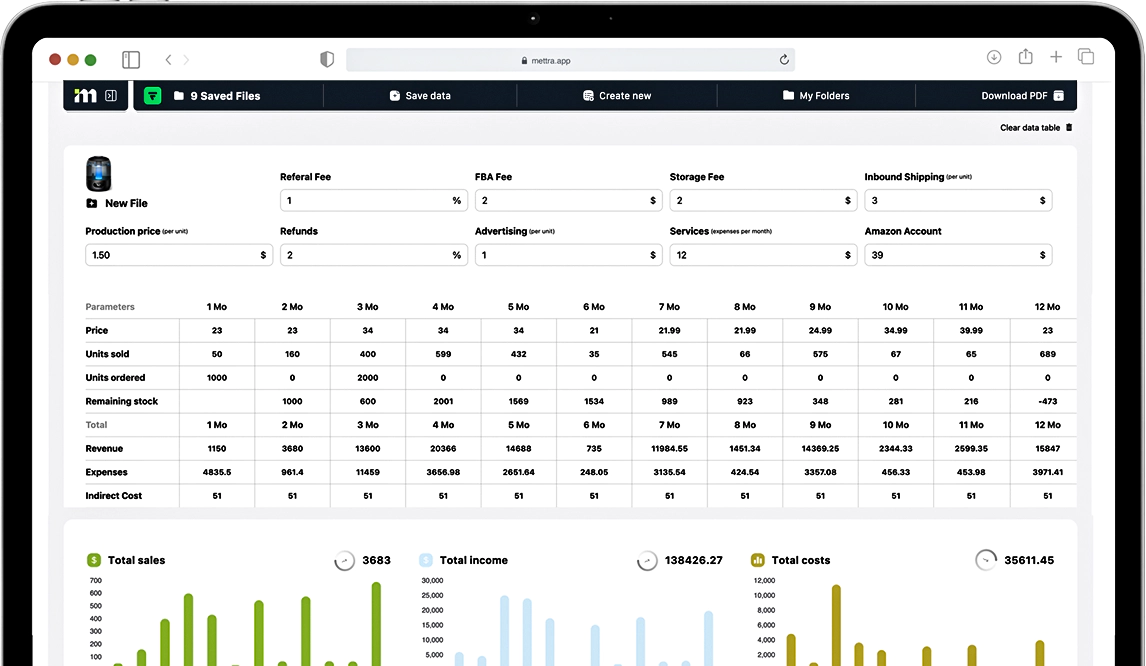
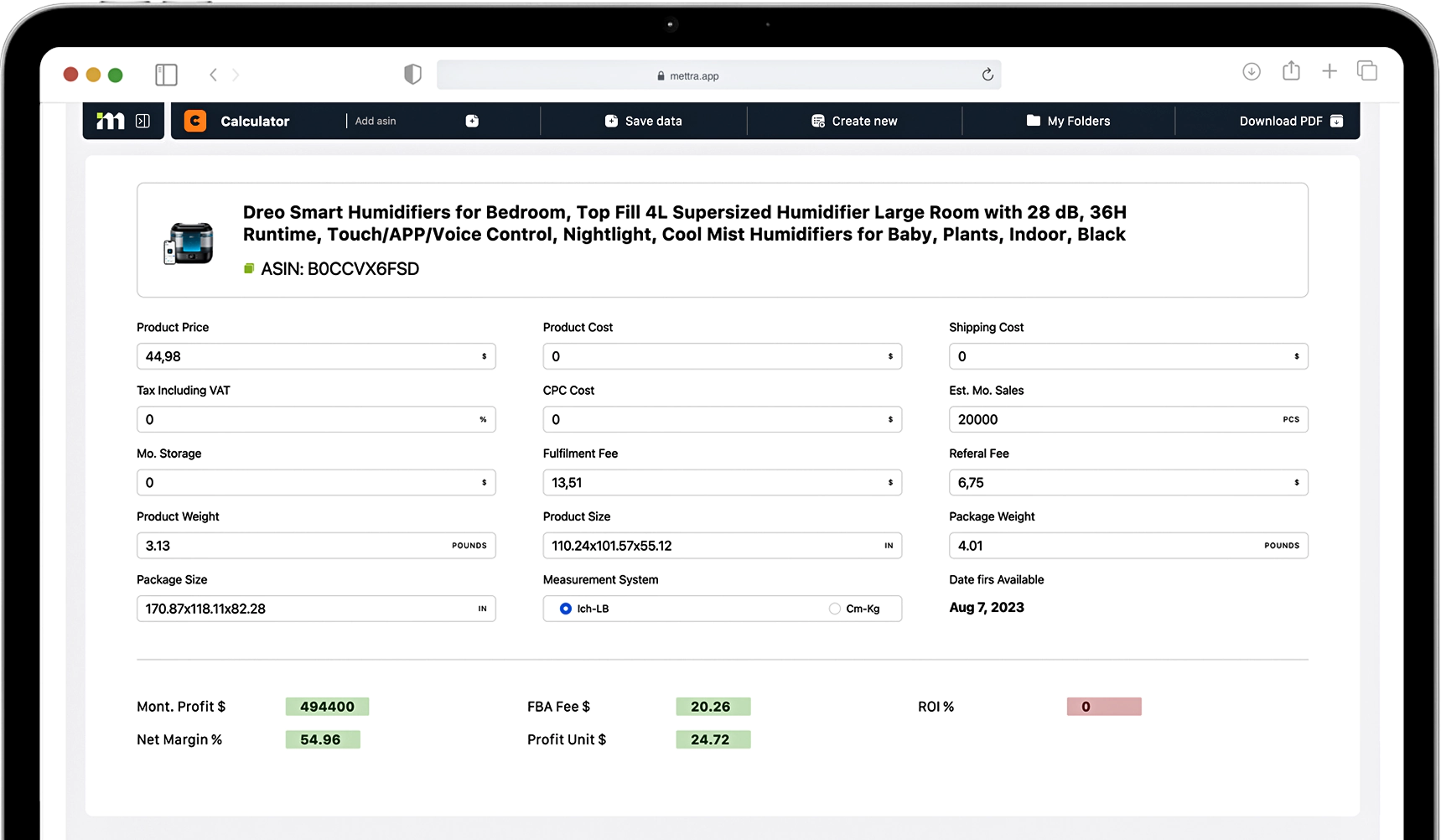
High sales volume can hide weak margins. Before ordering your first unit, calculate the actual contribution from every sale after product, shipping, referral, fulfillment, and advertising expenses. Use this lightweight calculator to test a sample product — not to replace Amazon's official fee estimate.
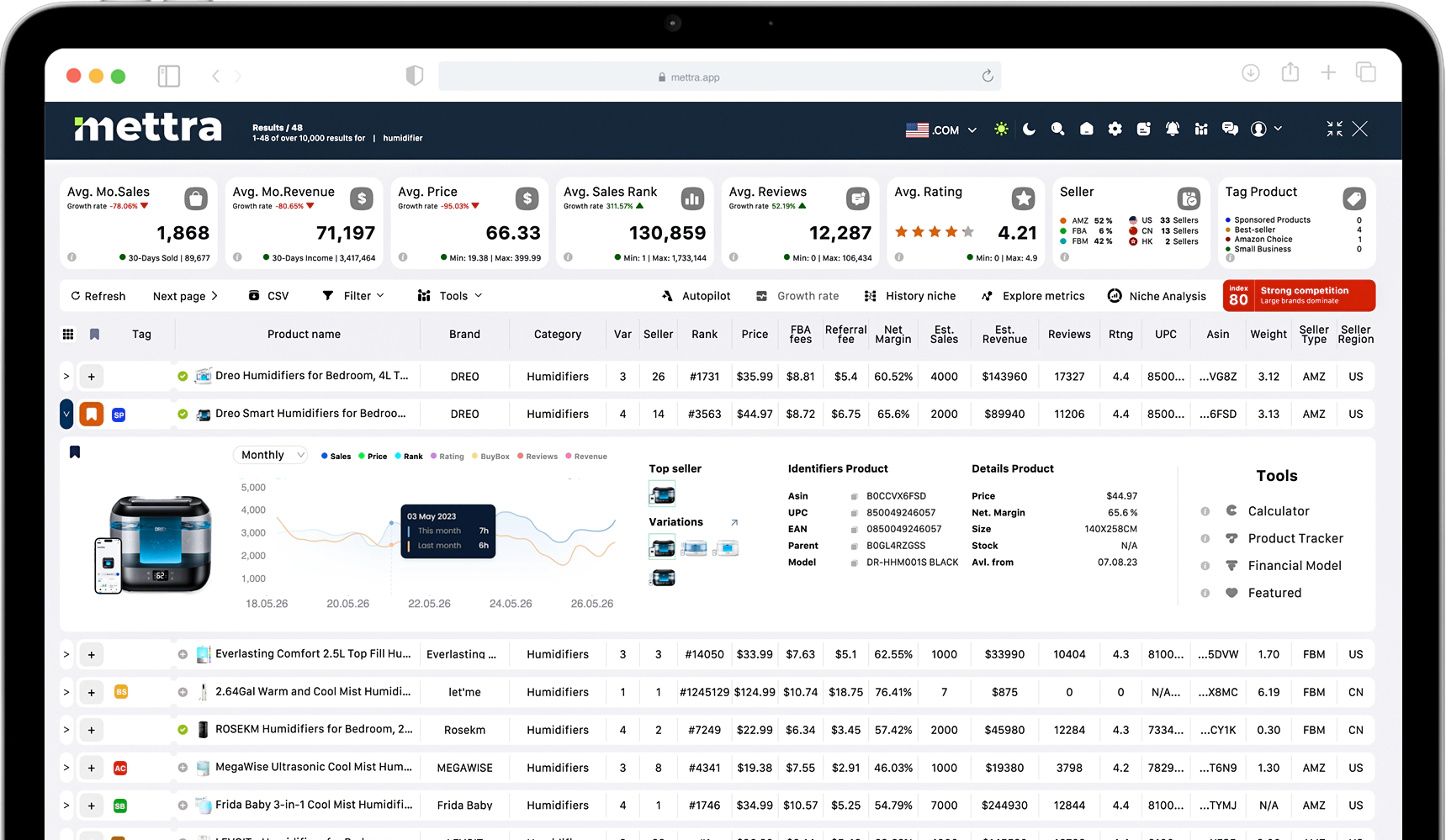
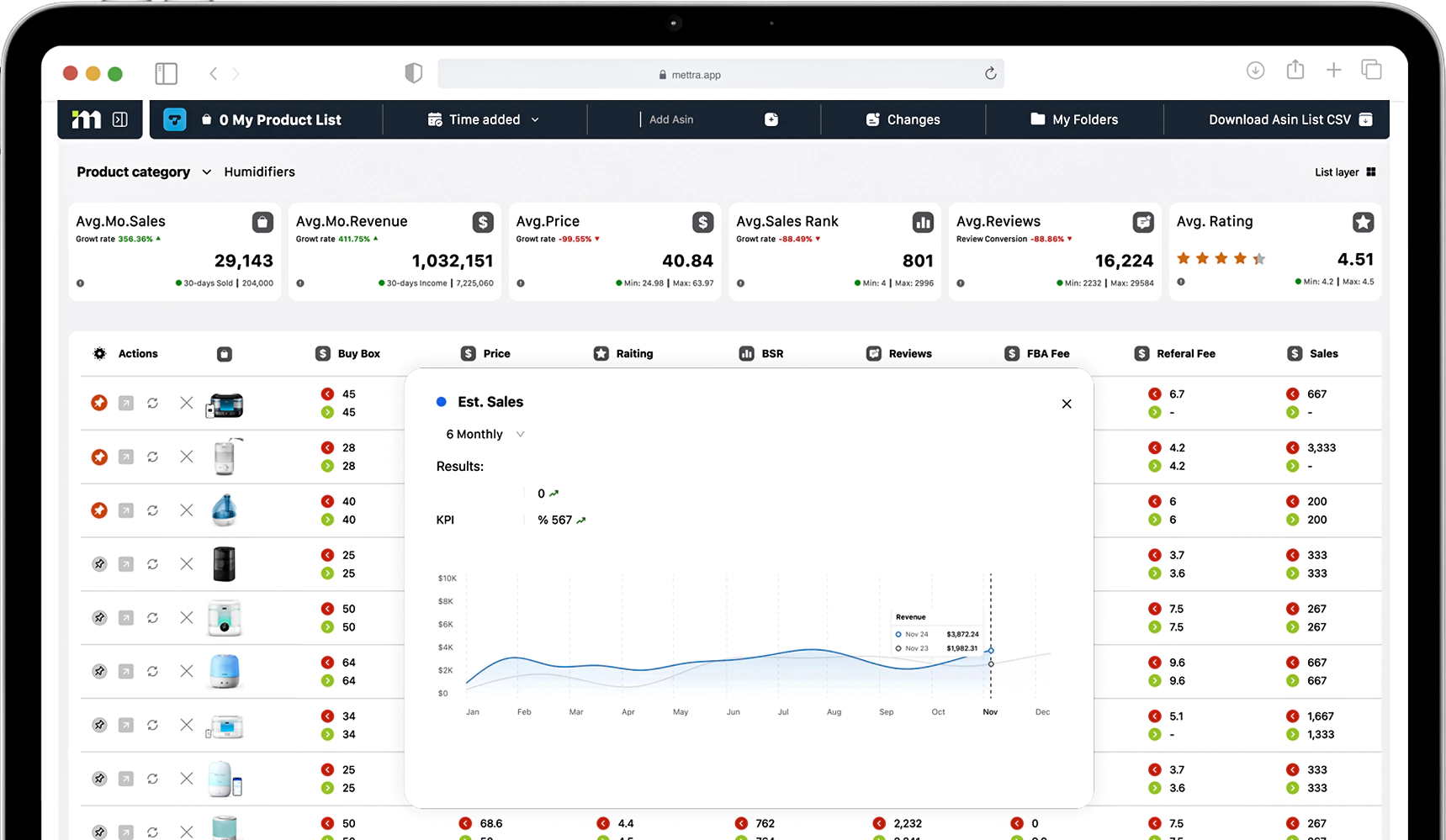
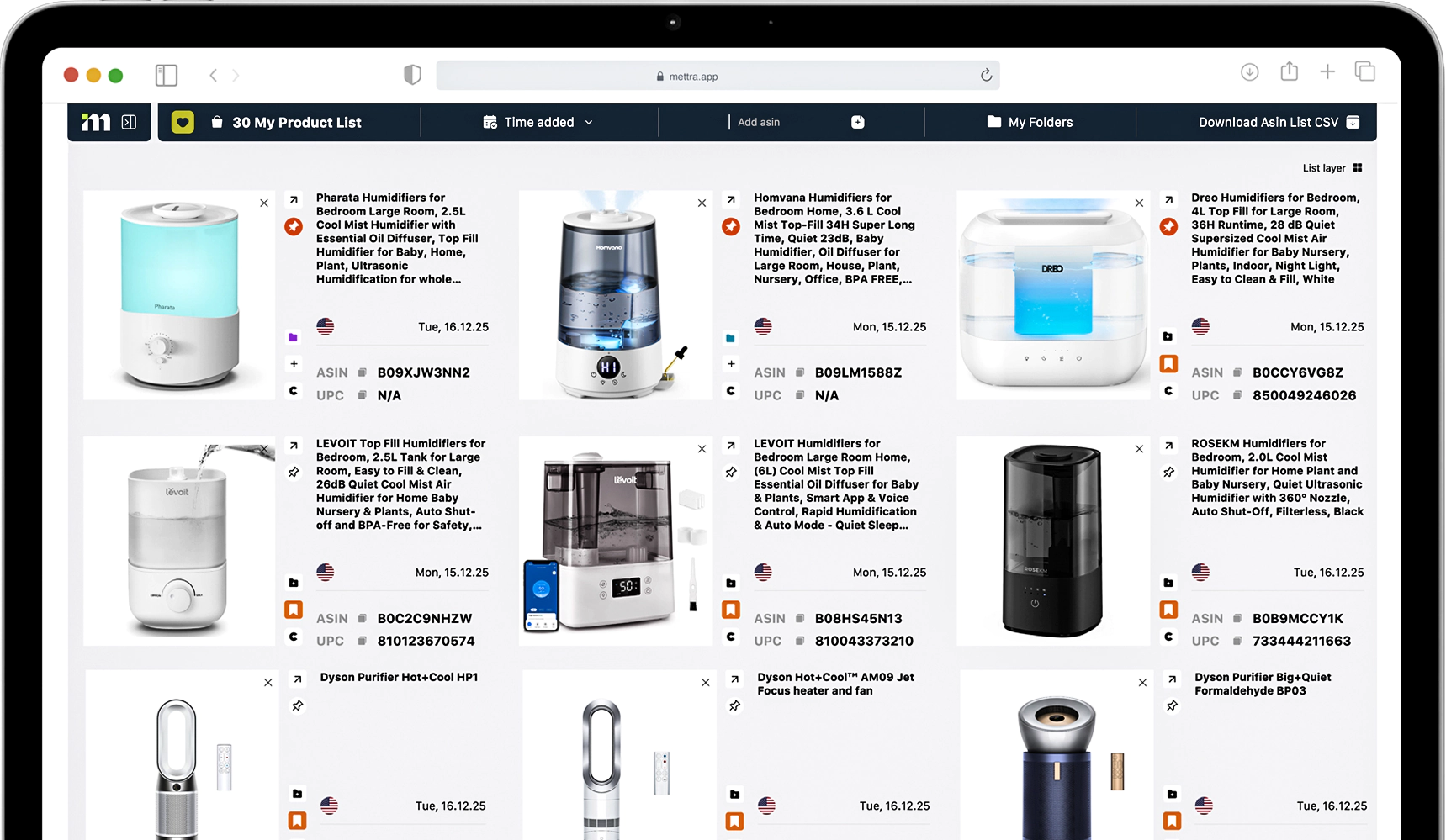
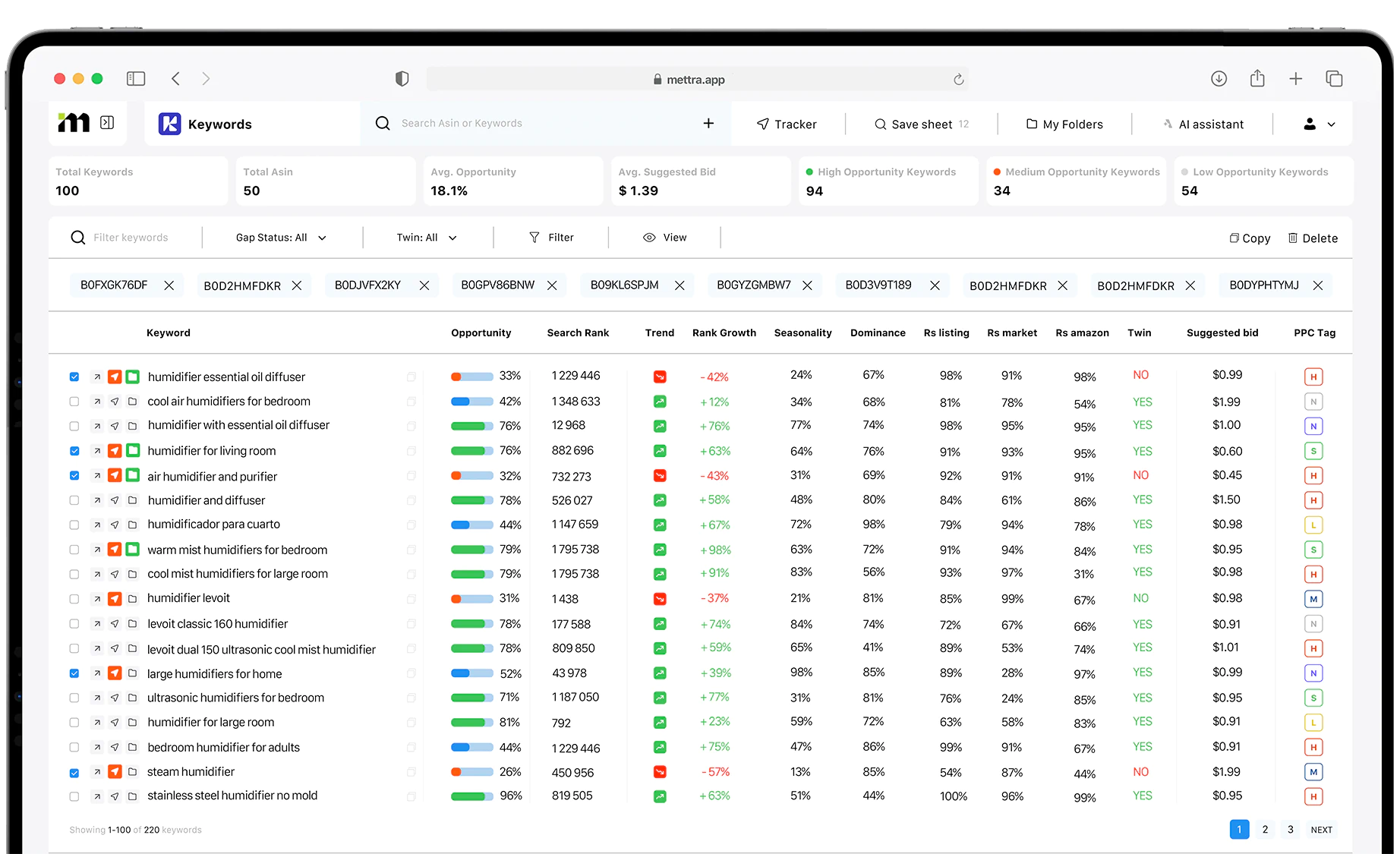
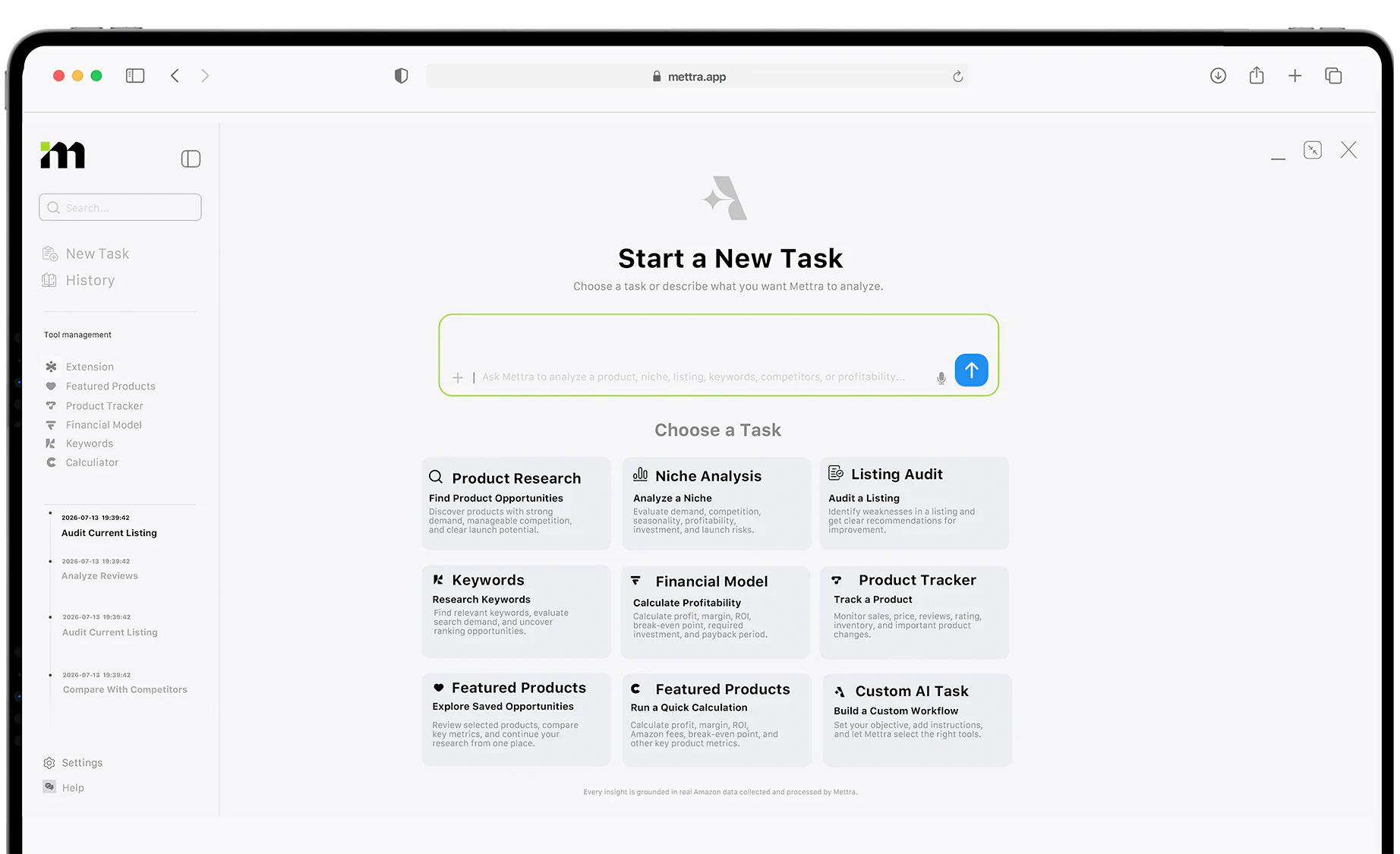
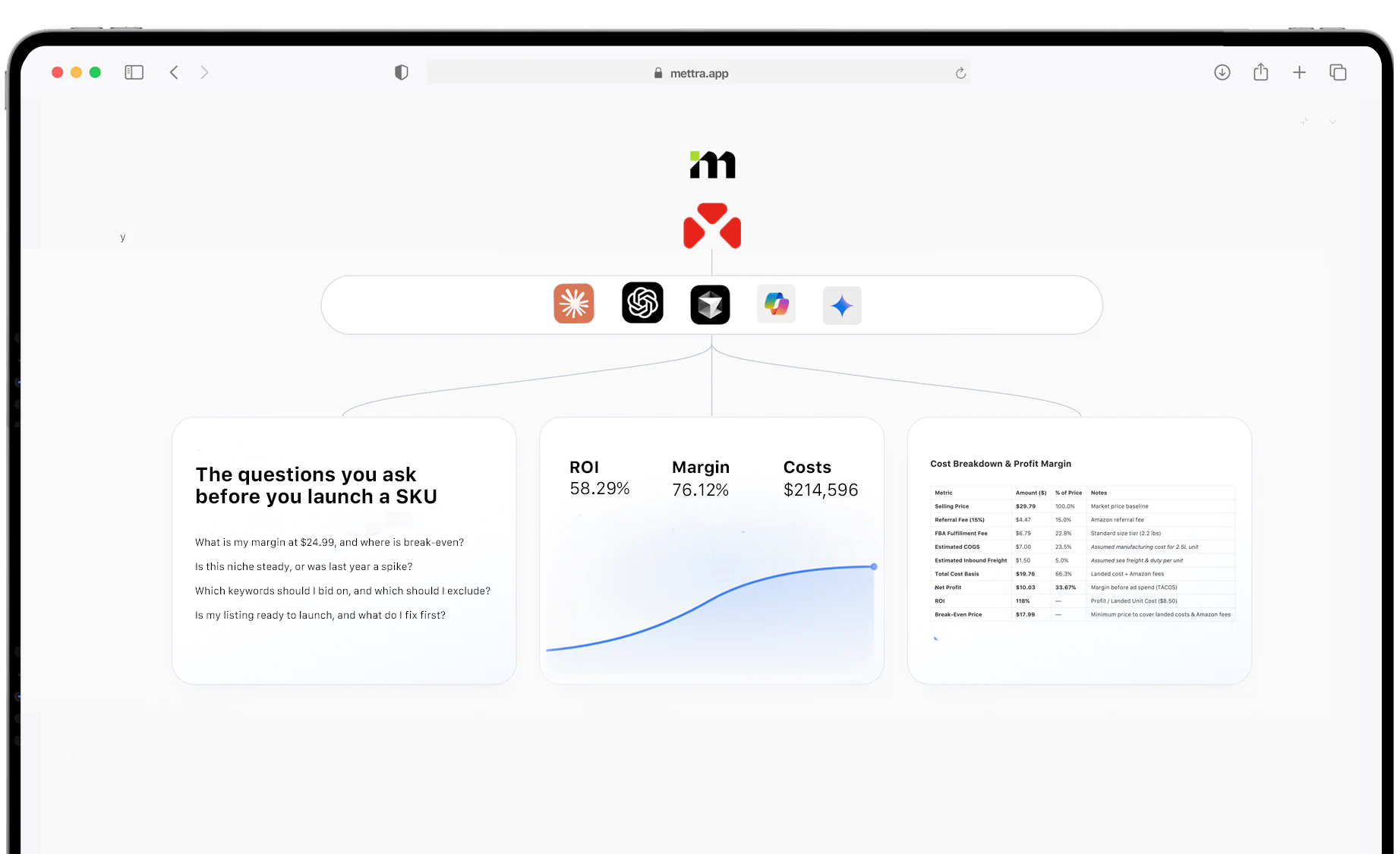
Research tools can help you study demand, seasonality, competitor concentration, historical prices, and realistic unit economics. Mettra is designed to bring multiple parts of that research workflow together, so sellers can assess whether a product opportunity is worth pursuing before investing in stock.
8. What to do after your seller account is approved
Once you've completed verification and gained Seller Central access, configure your operations before enabling a live offer. Approvals to sell in certain categories or brands are separate from account approval.
| Priority | Action | Why it matters |
|---|---|---|
| 01 | Review account details and tax setup | Avoid operational and payout problems |
| 02 | Review product/category restrictions | Some goods require approval or compliance documents |
| 03 | Confirm GTIN and brand requirements | Helps prevent listing errors |
| 04 | Choose FBA or FBM and shipping settings | Determines costs and delivery experience |
| 05 | Create or match an accurate listing | Enables customers to find the correct product |
| 06 | Build a conservative pricing model | Protects contribution margin |
| 07 | Plan advertising and inventory replenishment | Supports a sustainable launch |
9. Seven registration mistakes to avoid
- Inconsistent legal details: Entering names or addresses that don't match the supporting documents.
- Incorrect business location: Selecting a country based on the target marketplace instead of your actual business details.
- Unsuitable bank or card: Using payment details that don't meet Amazon's requirements.
- Low-quality identity uploads: Blurry, cropped, altered, or unreadable documents.
- Opening duplicate accounts without legitimate justification: Amazon has restrictions around related seller accounts.
- Buying restricted inventory too early: Some brands, categories, and products need separate authorization or compliance evidence.
- Skipping the financial model: Ignoring fulfillment, ad, return, and other expenses before committing capital.
10. Frequently asked questions
Do I need an LLC to sell on Amazon?
How much does it cost to create an Amazon seller account?
How long does Amazon seller verification take?
Do I need a US bank account?
Do I need products in stock before registration?
Can I change my selling plan later?
Can I sell on Amazon.com from outside the US?
Final thoughts
Starting an Amazon seller account is a manageable process when your documents and business details are ready. The larger challenge is what comes next: selecting compliant products, building strong listings, modeling real costs, and competing profitably.
Start with the official registration guide, carefully verify each input, and treat your first inventory decision like an investment — not a guess. A well-prepared launch is much more valuable than simply getting approved quickly.
Editorial note: The illustrations resembling interface screens are custom educational diagrams, not live Amazon screenshots. Actual fields may change. Pricing and process details were checked against Amazon's official US seller resources in October 2026. Mettra is not affiliated with or endorsed by Amazon.