Organize ideas into folders
Group saved products by niche, project or research stage.
Build your Amazon product shortlist.
Save promising listings as you research, organize them into folders and compare the products you want to pursue.
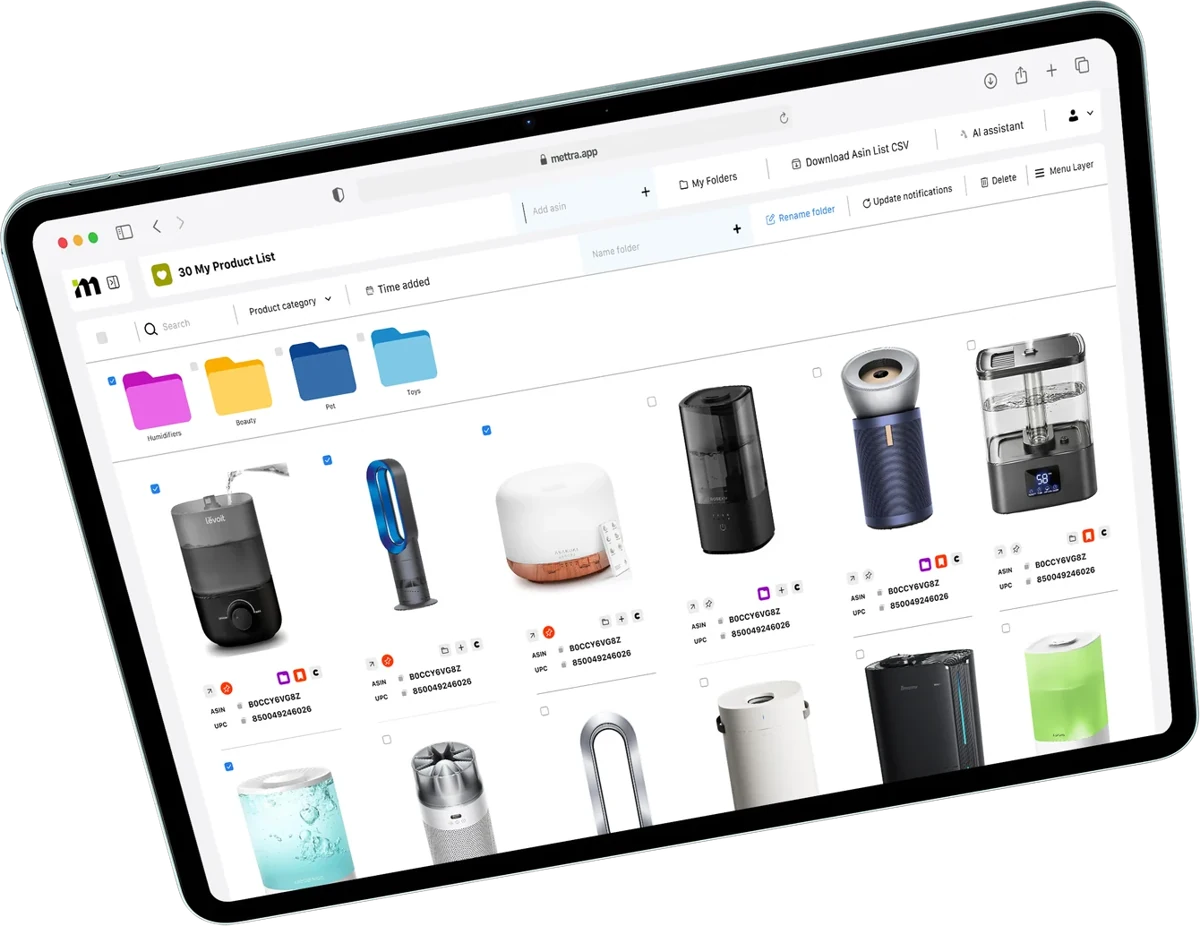
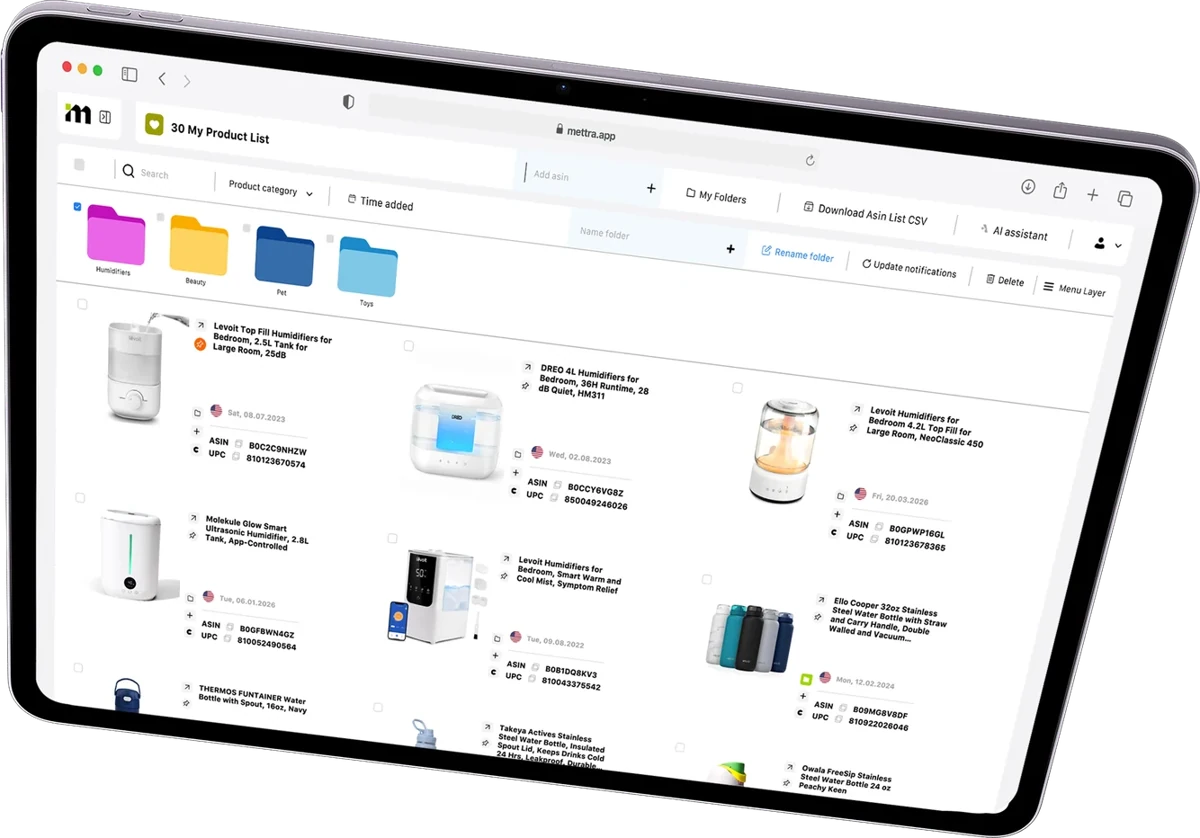
Keep the listings you found and the candidates you want to revisit together in one workspace.
Save a listing with the Mettra Chrome Extension, or add its ASIN directly in Favorites.
Group products by niche, project or research stage. Pin priorities and review listing details side by side.
Add a candidate to Product Tracker to follow changes, or take it into Financial Model to plan costs and profitability.

Watch how to save a product, add it to a folder and switch the view of your saved list.
Open FavoritesSave a sample ASIN, move products into folders and compare two or three candidates.
Sample data · Amazon US
| Select | Product / ASIN | Folder | Price | Pin |
|---|---|---|---|---|
 Checkered wool hatB0DLV2WPT3Shortlist | Shortlist | $19.99 | ||
 Bucket-style wool hatB0BBBJB21LShortlist | Shortlist | $19.99 | ||
 Premium wool hatB0DTYLLQZ7To review | To review | $21.99 |
2 selected · compare up to 3
Keep your saved products ready for the next step in your research.
Previews use sample data.Group saved products by niche, project or research stage.
Use a list for listing details or a grid to review product images.
Keep the candidates you’re researching at the top of your list.
Follow changes in sales, price, stock and reviews for a saved product.
Estimate unit profit in Profit Calculator or build a launch forecast in Financial Model.
Download your saved ASINs for sharing or further analysis.
Mettra Academy walks through saving, sorting and reviewing a real shortlist of Amazon products.
See what it takes to go from an Amazon listing to a shortlist you can act on.
| Research task | Manual research | With Mettra |
|---|---|---|
| Save a promising listing | Bookmark the page or copy the product link into a sheet. | Save it from Amazon with the Mettra Chrome Extension or add its ASIN in Favorites. |
| Organize research | Maintain separate notes or spreadsheet tabs for each project. | Group products into folders and pin the candidates you want to revisit first. |
| Compare candidates | Reopen listings and line up product details by hand. | Review photos and listing details in the same saved list or grid. |
| Follow market changes | Revisit Amazon listings and record changes manually. | Add a saved product to Product Tracker for ongoing monitoring. |
| Evaluate profitability | Copy listing data into a separate cost template. | Open Profit Calculator for a unit estimate or use Financial Model for a launch plan. |
| Share your list | Gather links or identifiers into a new file. | Export your saved ASINs in one CSV. |
Favorites is a workspace for saving and organizing Amazon product ideas. Use it to build a shortlist and keep candidates together for later research.
Yes. Use the Mettra Chrome Extension while browsing Amazon. You can also add a listing by ASIN in Favorites.
Create folders for niches, projects or research stages. Pin important products to keep them at the top of your list.
Yes. Review saved products in a list or grid to compare listing details and product images. The sample shortlist above shows a comparison using example prices and pack sizes.
Add it to Product Tracker to monitor changes. Use Profit Calculator for a quick estimate or open Financial Model to build a launch plan.
Yes. Download your saved Amazon ASINs in a CSV file.
Open the Favorites workspace in Mettra on desktop. Use the Chrome Extension to save products while browsing Amazon.
Save a promising Amazon product and pick up your research whenever you’re ready.