Export analysis to PDF
Save a report with the results, assumptions and next steps to share with your team.
Research Amazon products in one conversation.
Analyze an ASIN or niche, find relevant keywords and check launch economics with Mettra’s connected tools.
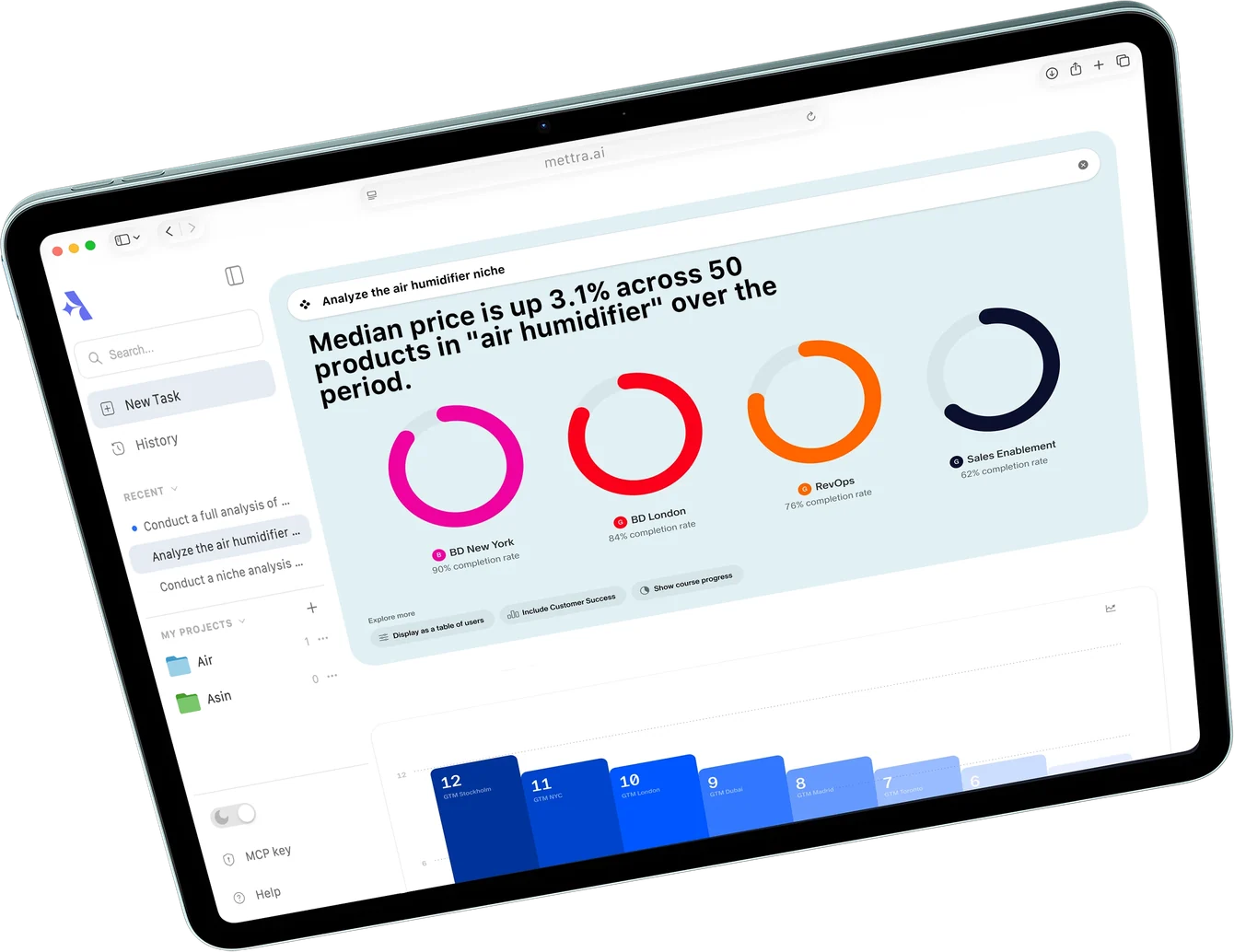
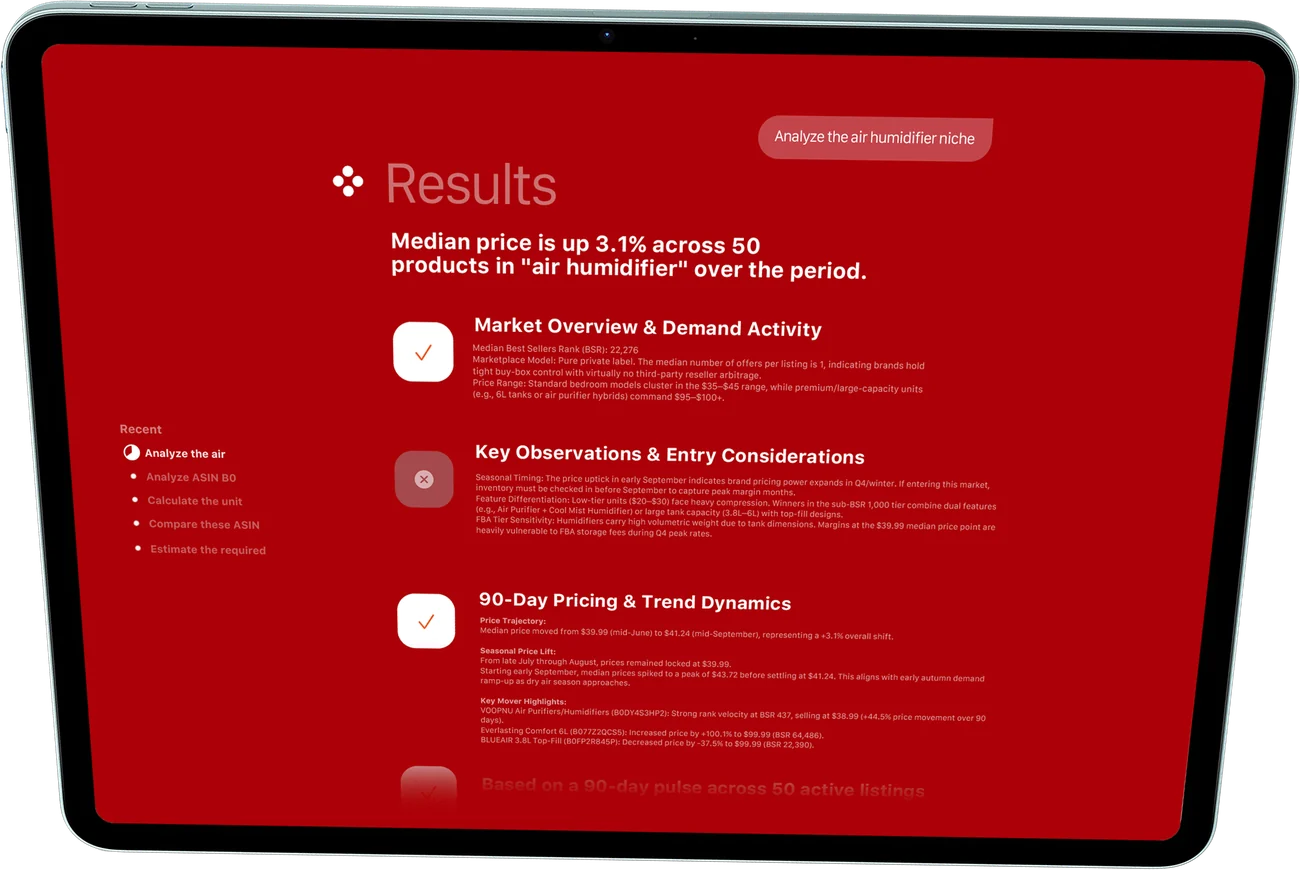
Ask the agent to investigate a product, explain what it finds and carry the results into the next step of your research.
Review estimated demand, prices, reviews and competition. Use an ASIN to focus on a specific listing and its competitors.
Explore related searches and Amazon keyword data. Use signals from Google, TikTok and YouTube when relevant to the question.
Use your prices, costs and ad assumptions to estimate profit and ROI, then review launch investment and payback in Financial Model.

Follow a sample analysis of the air humidifier niche, then explore keywords, competitor benchmarks, unit economics and launch strategy in the report.
Keep the research together, share the result and set up your workspace.
Previews use sample data.Save a report with the results, assumptions and next steps to share with your team.
Group related conversations and calculations so you can pick up where you left off.
Choose the conversation theme you prefer as you read charts, tables and recommendations.
Mettra Academy shows how to ask a useful first question, check the answer’s assumptions and refine it with your own costs.
See how the same Amazon research tasks fit into each workflow.
| Research task | General AI chat | With Mettra |
|---|---|---|
| Investigate an ASIN | Bring product details into the chat or connect a source for Amazon listing data. | Enter an ASIN to review available listing data, pricing, reviews and competitors. |
| Review demand signals | Gather keyword and market information from the sources you use. | Review Amazon keyword data alongside available Google, TikTok and YouTube signals. |
| Run specialized research | Set up tool connections and pass inputs between workflows. | Run product research, keyword analysis and calculations with connected Mettra tools. |
| Check launch economics | Supply your numbers and define the calculations you want to run. | Use Mettra financial tools to review margin, ROI, startup cash and payback. |
| Continue a project | Organize relevant chats, data and calculations so you can find them later. | Keep related conversations and calculations together in a Mettra project. |
| Share the findings | Assemble the answer, source data and any charts into a report. | Read charts in the conversation and export the analysis to PDF. |
It is Mettra’s assistant for Amazon product research. Ask it about a listing, niche, keyword or launch plan and follow up using the results in the same conversation.
Yes. Share an ASIN and your marketplace to review available listing data, market position and competing products. Tell the agent which metrics matter to your question.
It works with Amazon data and Mettra research tools. Depending on the question and available data, it can also consider signals from Google, TikTok and YouTube.
Yes. Provide your price, product cost, shipping, Amazon fees and ad assumptions. The agent can help estimate profit, margin and ROI, and work with Financial Model for investment and payback.
Ask for relevant terms, search-volume estimates and suggested bids. Use Mettra Keywords to dig into the terms you want to use in your listing or PPC plan.
Ask the agent to list its inputs and estimates. Follow up with your supplier quote, fulfillment fees and ad costs to see what changes.
Yes. Save related research in projects, revisit it in History or export an analysis to PDF.
Open it from the Mettra web tools or the Mettra Chrome Extension while you research on Amazon.
Bring an ASIN, a niche or a launch question and work through it with Mettra AI Agent.