



The Launch of Shopify Canvas and the Sidekick Design Workspace
On October 1, 2026, Shopify introduced Canvas, an AI-powered visual workspace that integrates its Sidekick assistant directly into storefront theme editing. Rather than restricting merchants to single-page adjustments inside isolated settings panels, Canvas presents every template across an online store within a unified, interactive surface. Store owners can pan across homepages, collection grids, product pages, and checkout flows side-by-side, asking Sidekick to execute design adjustments across the entire theme simultaneously.
The launch marks a major evolution in how e-commerce platforms approach storefront design. In the first half of 2026, Shopify reported that merchants executed over 25 million theme edits using Sidekick in its earlier, localized assistant format. Canvas expands those capabilities by giving Sidekick direct access to underlying theme files. Rather than returning static image mockups or basic layout suggestions, Sidekick generates working theme code in real time, validates its syntax for structural errors, and captures visual screenshots of its output to audit responsive layouts across mobile and desktop viewports.
For growing e-commerce brands, the promised benefit is rapid visual iteration. Changing layout hierarchies, adjusting brand typography, or building seasonal campaign banners across multiple store pages can now be described in conversational prompts. However, as Canvas rolls out alongside Shopify’s classic theme editor in early access, merchants must weigh its speed gains against technical constraints that impact long-term store maintenance.
How Conversational Editing Works Across Storefront Templates
The core mechanic of Canvas revolves around real-time code rendering. When a merchant opens Canvas from the Themes section in the Shopify administration panel, the workspace loads all store templates onto an expansive visual board. Users direct Sidekick using natural-language instructions—such as reorganizing above-the-fold content on product detail pages or adding promotional callouts across collection pages—and watch as Sidekick modifies the theme's underlying Liquid and CSS structure.
Because Canvas renders live store code rather than static previews, merchants can interact with active elements directly inside the editing board. Buttons, dynamic product variant selectors, popups, and hover animations can be tested immediately across multiple screen resolutions. Sidekick carries design decisions across templates during a session, preserving brand choices such as color accents or typography rules across distinct pages without requiring manual re-entry.
Safety and permissions play a central role in the Canvas workflow. Edits save automatically within an unpublished draft, keeping changes completely invisible to live shoppers until the merchant explicitly chooses to publish. Version history tools allow store owners to inspect earlier states and restore previous iterations if a design prompt yields unexpected results. However, because Canvas requires administrative permissions covering "Online Store," "Themes," and "Edit code," store owners should audit staff and contractor privileges before allowing team members to experiment with conversational editing. Giving broad code-editing authority to junior copywriters or external agencies can introduce unintended store-wide risks.
Critical Technical Limitations and Maintenance Trade-offs
While conversational design accelerates initial page creation, Canvas introduces several significant trade-offs that affect established e-commerce operations. The most consequential constraint involves long-term theme maintenance and file ownership.
Buried in the requirements page is the part worth reading first: a theme edited in Canvas stops receiving theme updates, and you cannot download its files.
Once a theme is edited within Canvas, it becomes permanently detached from developer update channels. Future security patches, performance optimizations, and feature updates published by theme developers will no longer reach the store. Furthermore, because theme files cannot be downloaded from a Canvas-edited store, brands lose the ability to store local code backups or migrate custom theme logic into external development repositories.
In addition to maintenance detachment, Canvas arrives with key functional gaps that affect real store operations: • Third-Party Theme Support: Canvas currently supports only Shopify-developed themes and fully custom themes. Themes purchased from third-party developers on the Shopify Theme Store are not supported in this initial release. • App Ecosystem Integration: Canvas cannot add or configure app blocks or app embeds. This exclusion directly impacts essential store functions such as customer review widgets, subscription portals, product bundling, upsell drawers, and loyalty programs. • Internationalization and Custom Logic: Canvas lacks direct support for Shopify Markets customizations, localized content translations, and metaobject template navigation in its jump menu. Stores operating across multiple regions or languages cannot manage market-specific layout rules inside Canvas.
Risk Management: Testing Canvas Without Breaking Live Conversion
Design speed does not guarantee commercial conversion. Redesigning a storefront without rigorous testing can severely impact buying paths and customer trust. In documented e-commerce relaunches where visual aesthetics were prioritized over functional auditing, conversion rates dropped from 1.9% to below 0.20%. While Canvas simplifies visual edits, storefront changes must be measured against buyer behavior rather than cosmetic appeal.
To experiment safely with Canvas, merchants should establish a strict testing protocol before touching live store code: • Duplicate Supported Themes: Always duplicate a supported theme within the Shopify admin before opening Canvas. Canvas operates on the duplicate while leaving the active, published theme intact and editable in the classic theme editor. Label the copy clearly with the testing date and owner. • Record Baseline Performance Metrics: Before publishing any Canvas-edited design, document current performance benchmarks across key conversion indicators. Record overall conversion rate, add-to-cart rate, checkout completion rate, average session revenue, page load speed, and mobile error rates, segmented by device and traffic source. • Conduct Multi-Template Audits: Inspect home, collection, product, search, cart, and policy templates across desktop and mobile widths. Ensure that variant selectors, discount codes, inventory indicators, and dynamic checkout buttons function seamlessly. • Verify Copy and Accessibility: Inspect AI-generated text and headings to confirm that product claims remain accurate, heading hierarchies follow SEO best practices, images include descriptive alt text, and links direct to correct policy and market pages.
If post-launch monitoring reveals drops in conversion or spikes in customer support tickets, merchants should immediately revert to their saved baseline theme while isolating functional bugs or broken scripts.
What this means for your numbers
Front-end design speed means little if storefront changes fail to drive sales. While AI theme editors like Canvas make it easier to modify layout structures and visual styling across an entire store, the primary driver of e-commerce revenue remains high-converting product listings, clear value propositions, and bulletproof product detail pages. A polished layout cannot overcome weak product copy, confusing specification tables, or poor image merchandising.
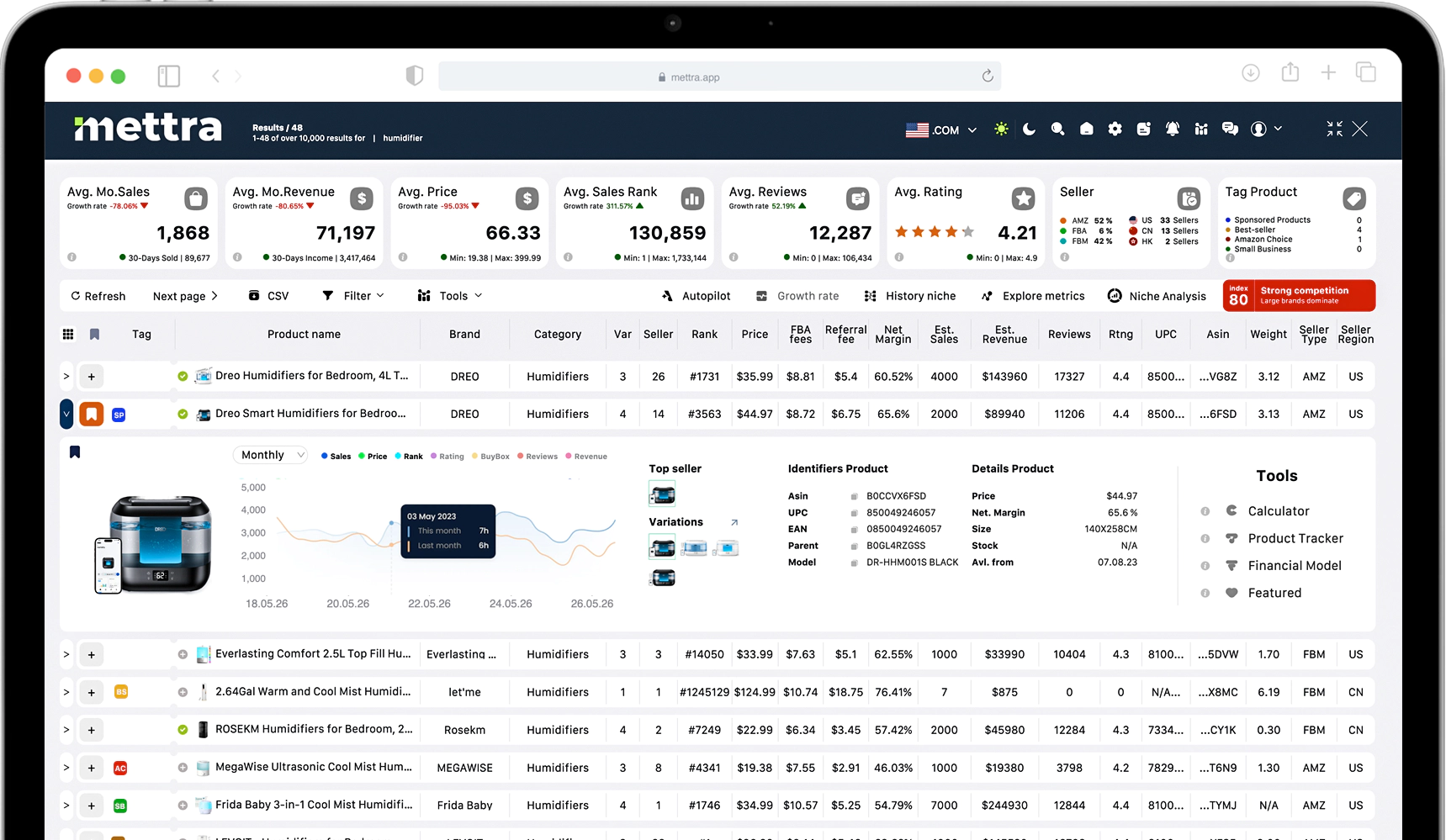
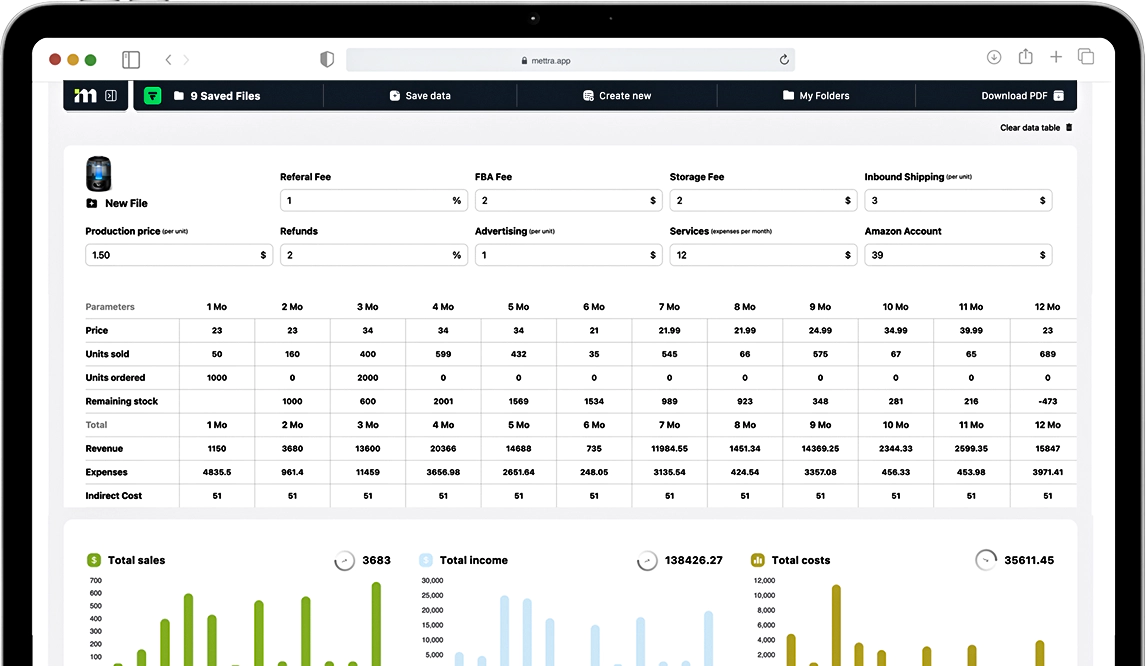
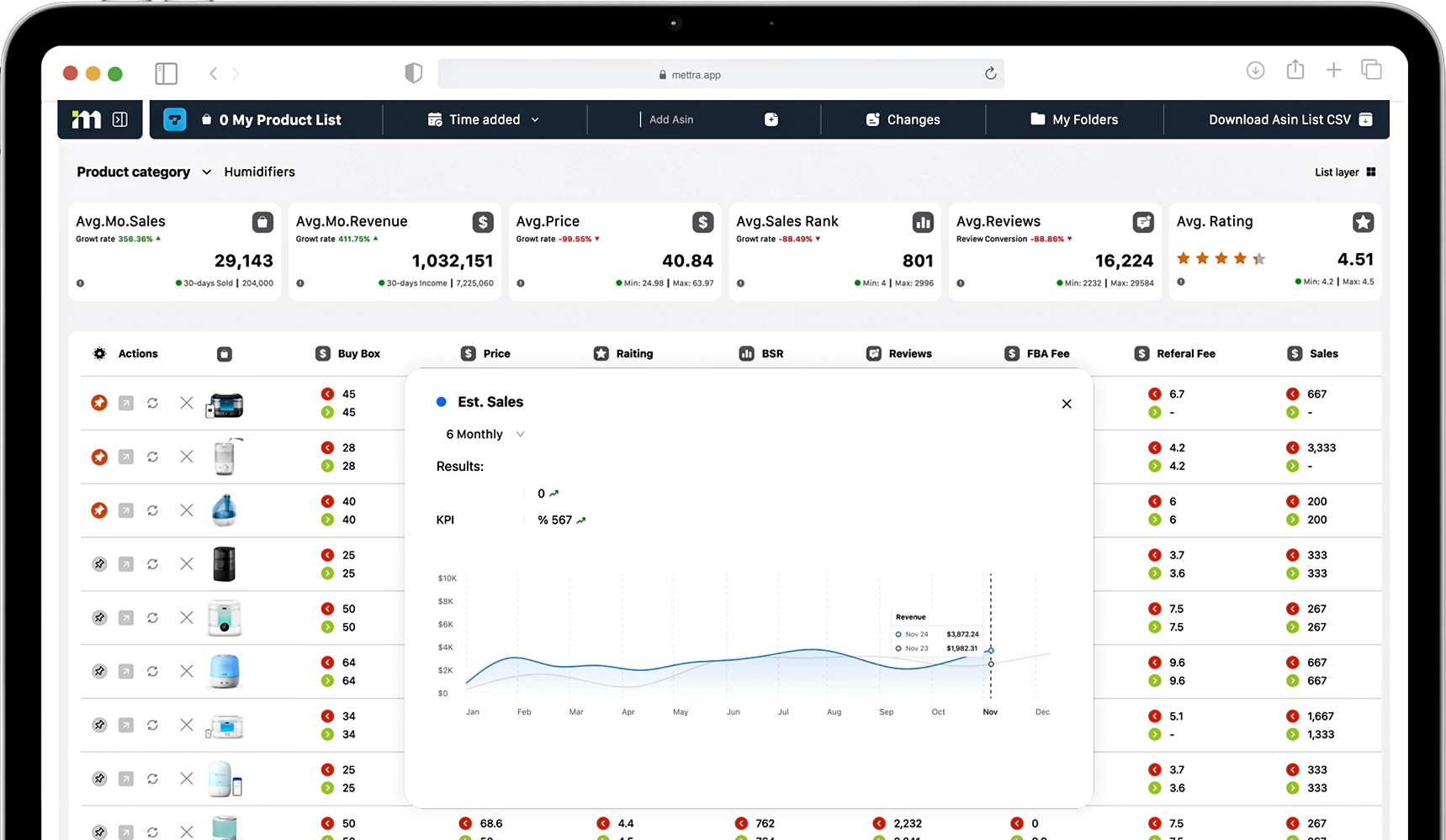
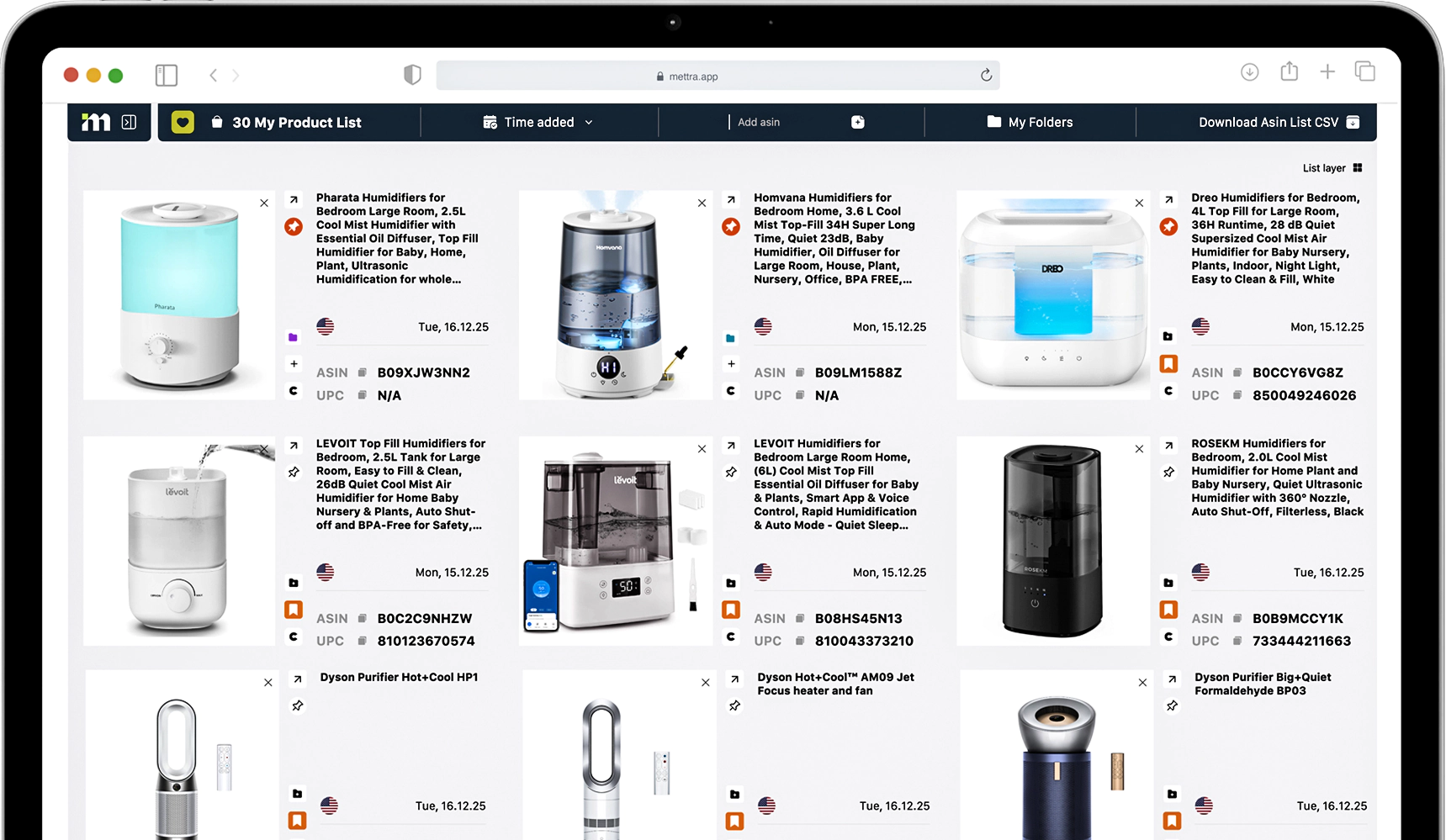
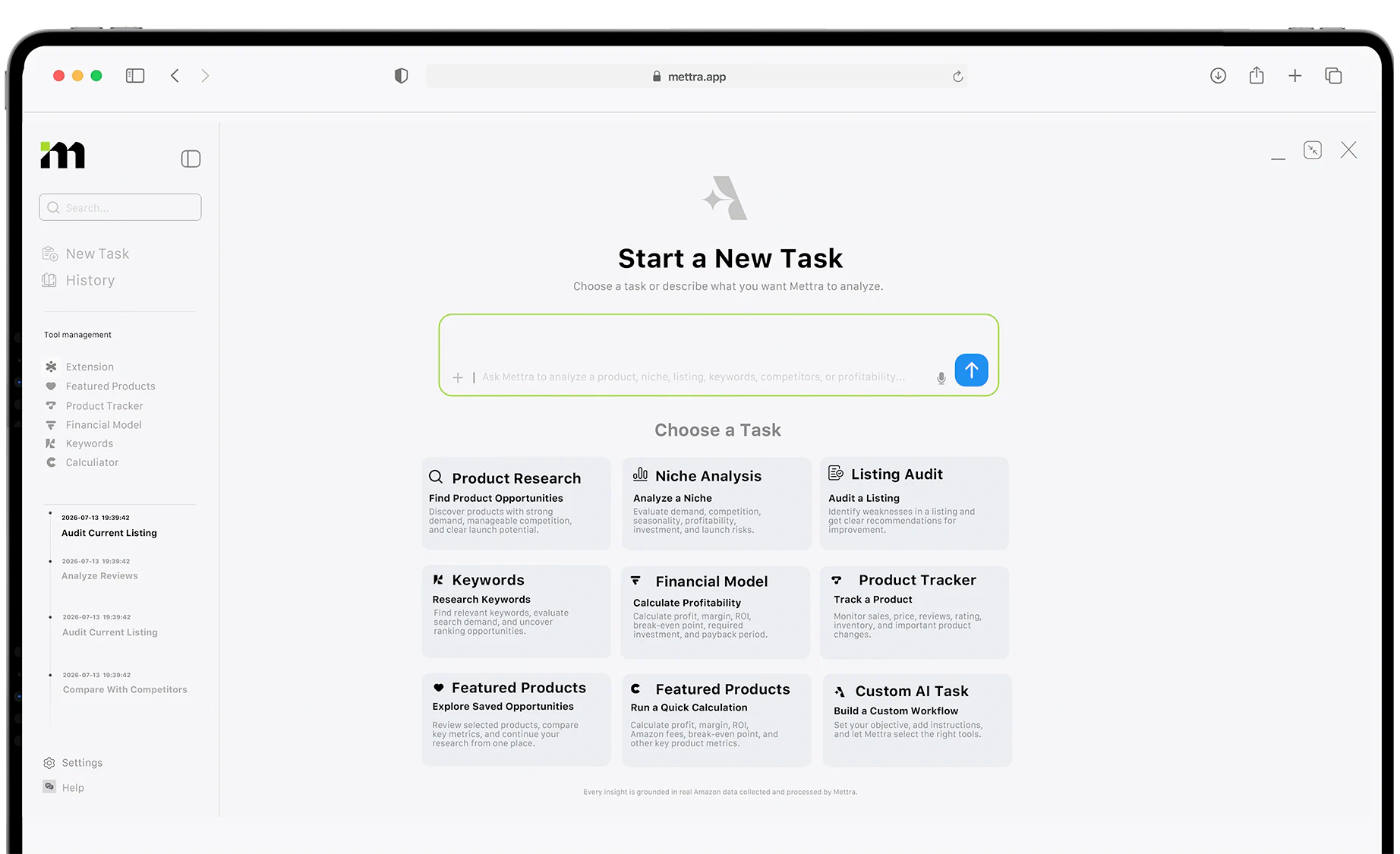
If you are testing store layout adjustments or preparing your storefront for high-traffic sales periods, your visual updates must be paired with structured listing performance reviews. Mettra’s listing audit and listing work tools give sellers deep visibility into listing quality, content completeness, title optimization, and conversion messaging across sales channels. By pairing fast layout iterations with systematic listing audits, you ensure that every theme prompt translates into clean product presentation, higher search relevance, and measurable conversion gains across your catalog.
Sources
https://www.ecomcrew.com/is-shopifys-new-ai-theme-editor-worth-the-tradeoff


