Amazon search
Niche Analysis
Check demand, price ranges, brand dominance, seller density and the review threshold.
Research products right on Amazon. Compare estimated sales, check niche competition and see the risks before you commit to a launch.
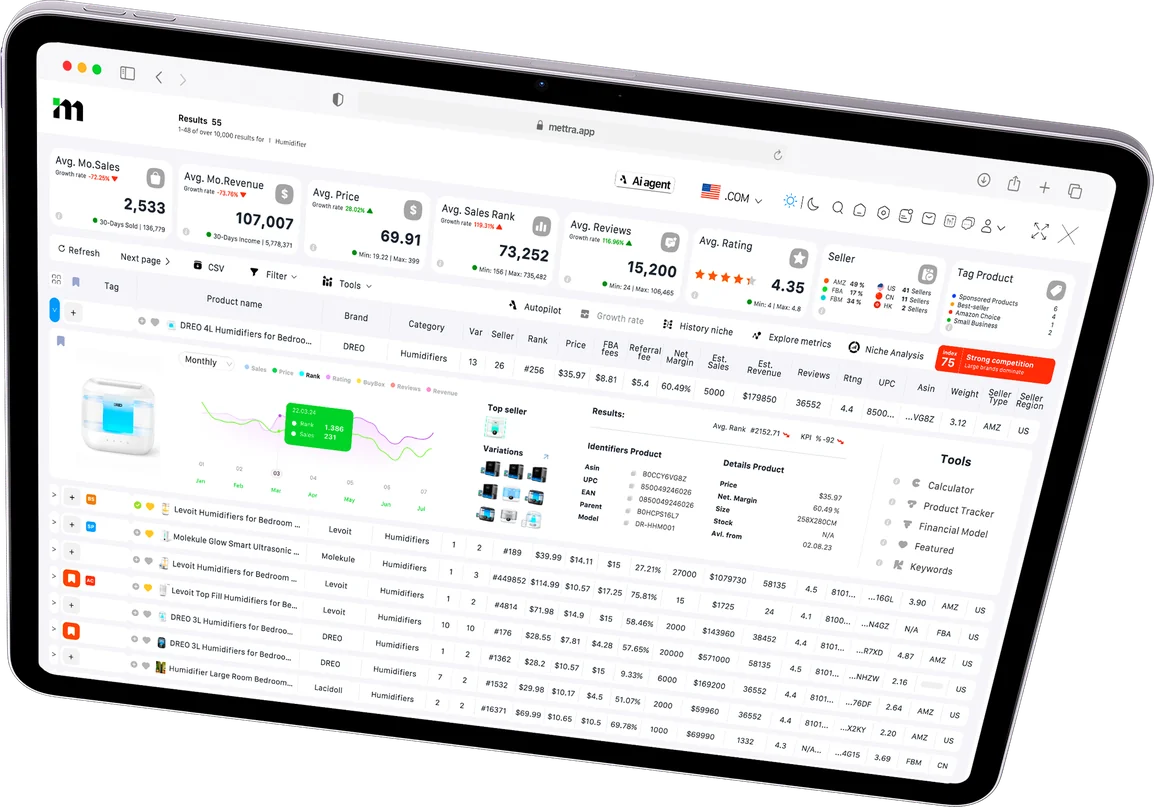
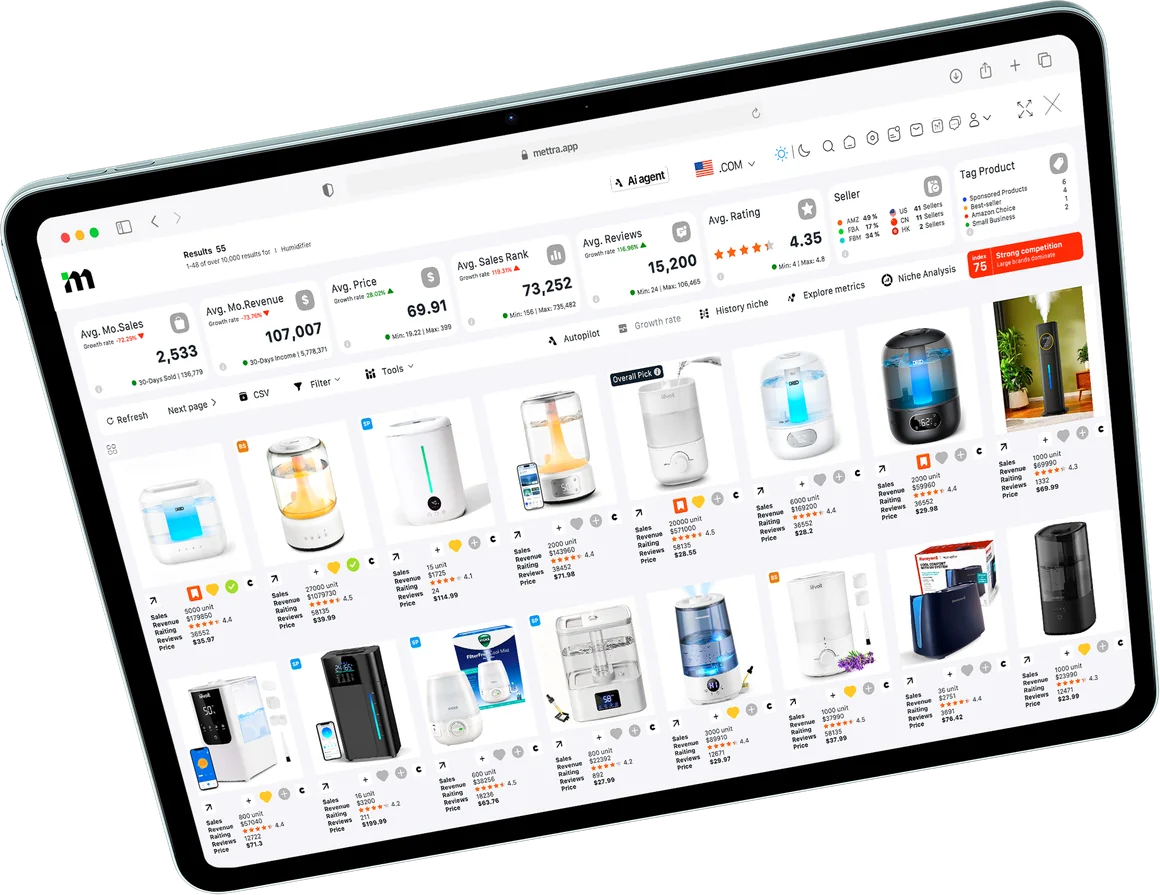
Open Mettra on a search results page or a product listing. The extension brings the numbers into view while you browse.
See estimated sales, revenue, price, BSR, ratings and reviews across listings in the same search.
Check which brands capture sales, how many reviews leading listings have and when demand peaks.
Save promising products to Favorites or send competitors to Product Tracker from the extension.

Watch the extension compare humidifier listings, open niche history and review an Autopilot assessment.
Install the extensionExplore the views and actions available from Amazon search results and product listings.
Previews use sample data.Amazon search
Check demand, price ranges, brand dominance, seller density and the review threshold.
Amazon search
Follow estimated sales, prices, ratings and reviews over time to see demand trends and seasonality.
Launch assessment
See a launch verdict backed by demand, competition, customer feedback and estimated launch costs.
Amazon search
Spot Best Seller, Amazon’s Choice, Sponsored and Small Business labels as you compare search results.
Niche research
Compare estimated sales against price, rating and review count to see where demand is concentrated.
Seller analysis
See where sellers are based and how different regions are represented in the niche.
Product shortlist
Save interesting ASINs as you browse so you can organize and compare them later.
Competitor monitoring
Send products to Tracker to follow changes in price, estimated sales, inventory and reviews.
Product research
Download the product table for deeper analysis in a spreadsheet or to share with your team.
Mettra Academy walks through what the extension’s features do, when to use them, and how to research an Amazon niche from start to finish.
Learn how to use the Chrome ExtensionCompare the steps for screening listings, assessing a launch and following competitors.
| Research task | Manual research | With Mettra |
|---|---|---|
| Compare listings | Open listings one by one and copy prices, ratings and reviews. | See prices, reviews, listing tags and estimated sales and revenue in one table. |
| Assess a niche | Compile a sample and tally brands, sellers and reviews. | Check brand dominance, seller mix and the review threshold in Niche Analysis. |
| Check demand over time | Collect past data and compare separate time periods. | Use Niche History to see demand, price changes and seasonality. |
| Evaluate a launch | Combine market data, buyer feedback and your cost assumptions. | Review Autopilot’s assessment of competition, launch economics and entry risks. |
| Model costs and profit | Set up a spreadsheet for fees, unit profit and payback. | Open Profit Calculator or Financial Model from the listing to run the numbers in Mettra. |
| Save and follow products | Bookmark products and revisit listings to check what changed. | Save to Favorites or send an ASIN to Product Tracker to monitor changes. |
Open the extension on Amazon search results to compare products in a niche, or on a product listing to review a single ASIN. Use the centered view for the wider table or the side panel to keep the listing in view.
Yes. Mettra estimates sales and revenue from marketplace signals. Profit and launch projections depend on the costs and assumptions you enter.
Yes. Install it and open the built-in sample demo. Log In when you want to start a trial and use the connected Mettra tools.
Open Profit Calculator or Financial Model to check economics, Keywords to research search terms, and Favorites or Product Tracker to organize and monitor products. Access depends on your plan.
Use CSV export to download the product table with the listing details and metrics you’re comparing.
See the Privacy section of the Chrome Web Store listing and the Mettra Privacy Policy.
Install Mettra on desktop Chrome, open Amazon, and click the Mettra icon from a search or product page.

 Top-fill humidifier
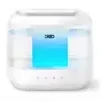 4L cool mist
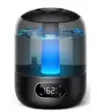 Smart humidifier
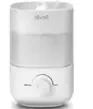 Compact humidifier